
10 Google Ads Tools for Smarter Campaign Management
Compare 10 google ads tools for campaign management, reporting, testing, Shopping, bulk edits, and automation across accounts.
- google ads tools
- Google Ads automation
- PPC reporting tools
- Google Ads management
- campaign optimization
A team spots performance changes across five client accounts before lunch. By the time the meeting starts, the question isn’t “what happened,” it’s whether the stack needs bulk editing, guided optimization, rule-based automation, feed control, reporting infrastructure, or tighter enterprise governance. That’s the right way to evaluate google ads tools, because the best option depends on the job, not on a generic feature list.
Use a simple lens: account coverage, action depth, reporting destination, safeguards, pricing model, and implementation effort. Some tools are built for execution, others for analysis, and a few are better at keeping a large operation from drifting out of control. The list below mixes official Google products with specialized third-party platforms, because a practical stack usually needs both.
Table of Contents
- 1. AdCrunch
- 2. Optmyzr
- 3. Adalysis
- 4. Opteo
- 5. Bïrch
- 6. Producthero
- 7. Supermetrics
- 8. Swydo
- 9. Google Ads Editor
- 10. Search Ads 360
- Top 10 Google Ads Tools, Feature Comparison
- Build the Smallest Stack That Covers the Workflow
1. AdCrunch
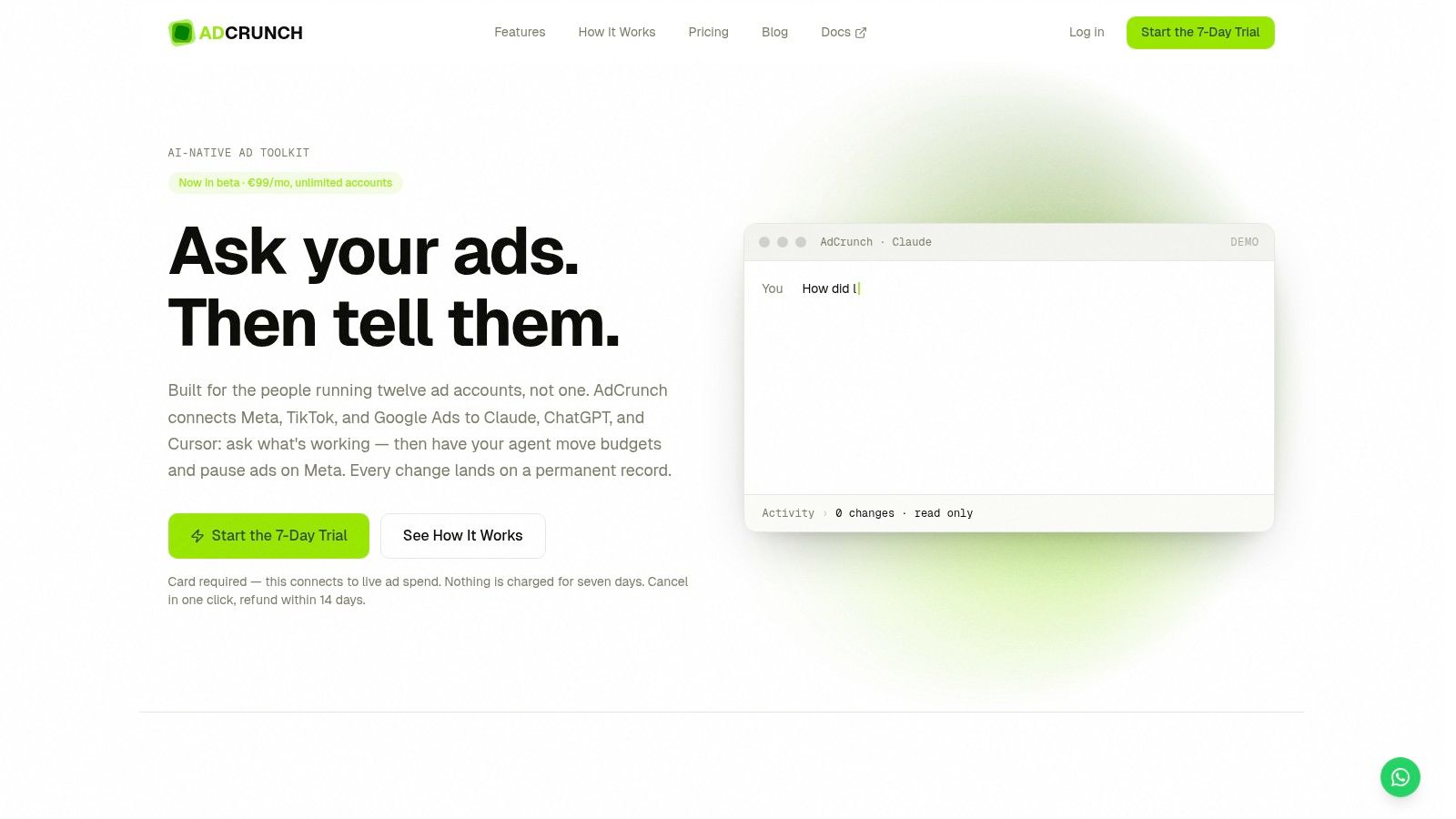
AdCrunch fits teams that are tired of looking at performance in one tab and making changes in another. It connects Google Ads, Meta, and TikTok to Claude, ChatGPT, Cursor, and its own built-in Adgent, so practitioners can ask what’s working and then push actions through the same workflow. That matters in multi-account environments, where the lag between diagnosis and execution usually creates the waste.
The operational detail is what makes it different from a dashboard. AdCrunch exposes Google Ads data through OAuth and its API layers, while write actions currently focus on Meta, with safety rules like created items arriving paused, no hard-deletes, no targeting edits to existing ad sets, and no bid edits. Every change lands in a permanent, searchable Activity log, which is the kind of audit trail many wish they had after the second or third handoff.
Why it stands out in practice
The best fit is not a single-account freelancer chasing a cleaner UI. It’s an agency, multi-brand team, or growth group that repeats the same operational work across many accounts and wants one interface instead of constant tool-switching. The platform’s flat €99/month Pro plan for unlimited ad accounts and seats is especially useful where per-account pricing would punish growth, while Enterprise adds SSO, an SLA, and custom integrations. AdCrunch is also still in beta, so teams should treat it like an operational system to test carefully, not a replacement for every native workflow on day one.
Practical rule: use AdCrunch when the bottleneck is not insight, but action. If your team already knows what needs to change and keeps losing time on execution, auditability, or repetitive commentary, this is the kind of stack layer that closes the gap.
Best for: multi-account teams that want an AI interface, safety limits, and a permanent log of who changed what.
Trade-off: Google Ads is read-only today, so it won’t replace execution tools for search campaign editing yet.
Visit the product site at AdCrunch.
2. Optmyzr
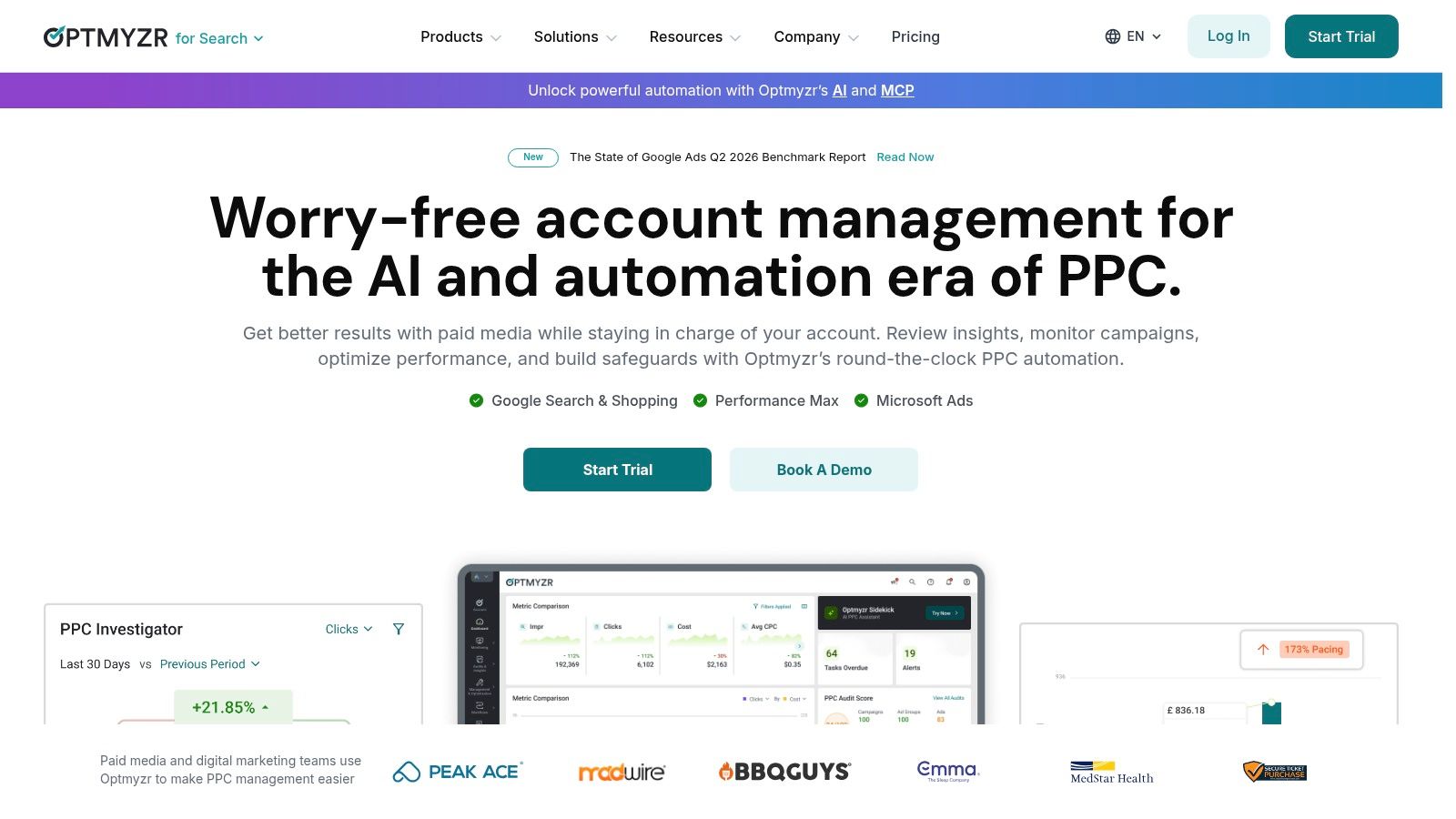
Optmyzr is one of the cleanest answers when the job is repeatable PPC operations. It sits on top of Google Ads with a rule engine, prebuilt optimizations, pacing, and workflows that remove a lot of the manual drudgery from ongoing account management. If a team already has a search-led process and wants fewer spreadsheet detours, this is a strong fit.
The platform’s strength is depth. It handles keyword and query work, RSA testing, budgets, n-gram analysis, campaign automation from Sheets or Merchant Center, and anomaly detection across accounts. That makes it useful for agencies and in-house teams that want more than point fixes, but don’t want to write scripts for every routine action.
Where it earns its place
Optmyzr works best when the team has enough account volume to justify a dedicated operations layer. It’s not a bargain tool, and the value gets clearer as the portfolio gets more complex. That’s especially true for teams managing pacing across multiple campaigns or needing Google-first automation without building everything from scratch.
For readers comparing operational systems, the stack choice often comes down to whether the team needs a direct execution assistant or a structured optimization engine. Optmyzr is closer to the second category, and it stays there well.
Its value rises when your team uses the same optimization patterns week after week.
A useful adjacent reference is this ad account management tools comparison, especially if you’re deciding how much of your workflow should live in one platform versus split across several.
Best for: agencies and in-house teams that want automation, audits, and budget control in one place.
Trade-off: it gets more compelling as scale rises, so small accounts may not extract enough value.
3. Adalysis
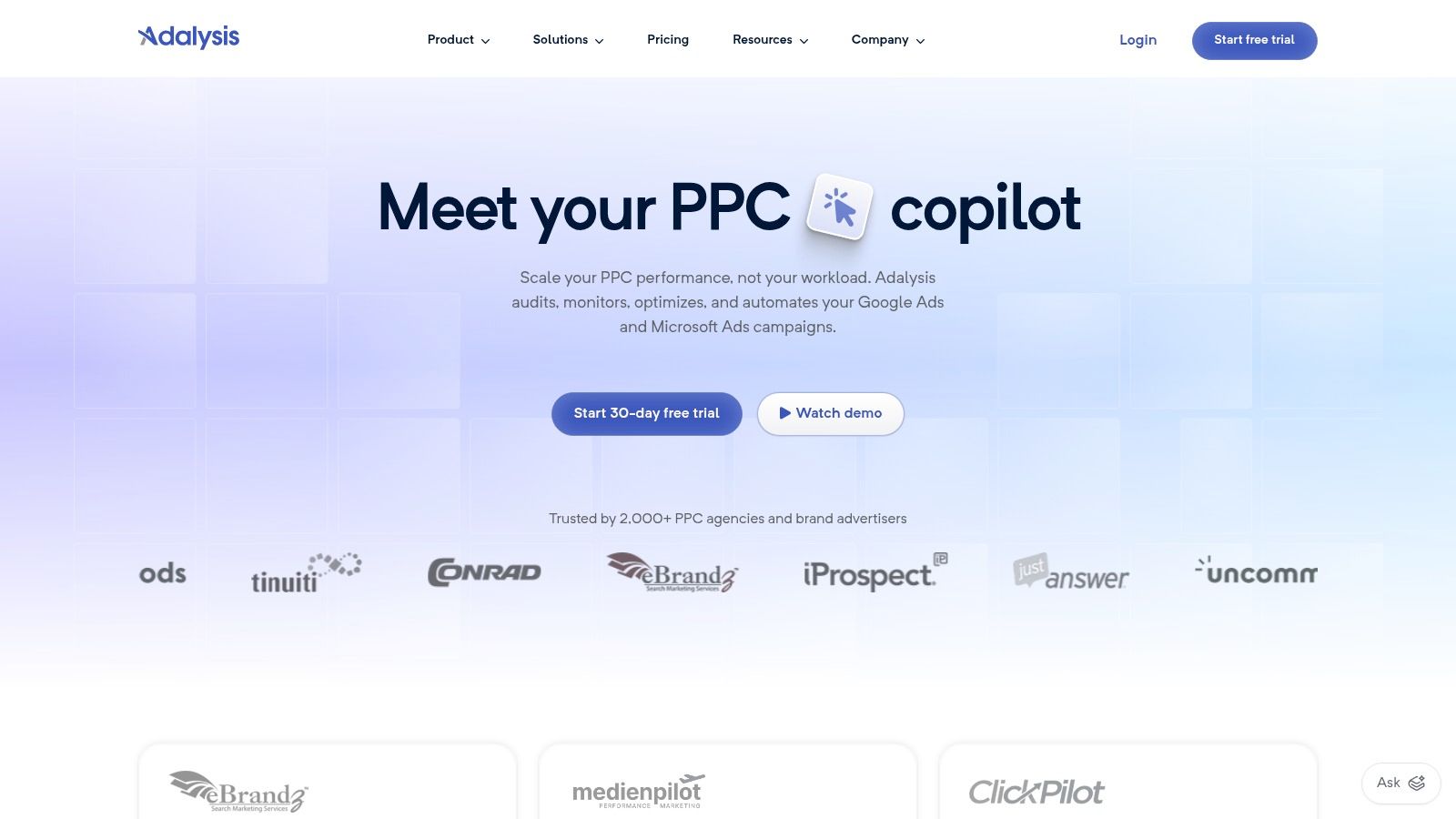
Adalysis is the tool for teams that care about testing discipline and account hygiene more than flashy automation. Its value is in structured ad testing, audits, and QA workflows that help teams avoid messy creative decisions and inconsistent account maintenance. For many search-led advertisers, that’s exactly where performance leaks happen.
The platform’s testing workflow is its core advantage. It helps teams manage ad variants, monitor changes, and keep an eye on account health without relying only on native Google Ads checks. That makes it useful when multiple people touch the same account and the review process starts to drift.
Best use cases
Adalysis fits agencies standardizing QA across many accounts, or in-house teams that need a stricter process for ad experiments. It’s narrower than a full all-in-one suite, but that narrower scope is often the point. If your main problem is not broad automation but making sure testing and account hygiene stay consistent, a focused tool usually beats a sprawling one.
It’s also a sensible choice when you want opinionated workflows instead of endless customization. Some teams need software that tells them what to inspect next, not another blank canvas.
Best for: testing-heavy search teams that want cleaner QA and account audits.
Trade-off: it’s more specialized than broader suites, so it won’t cover every cross-channel need.
4. Opteo
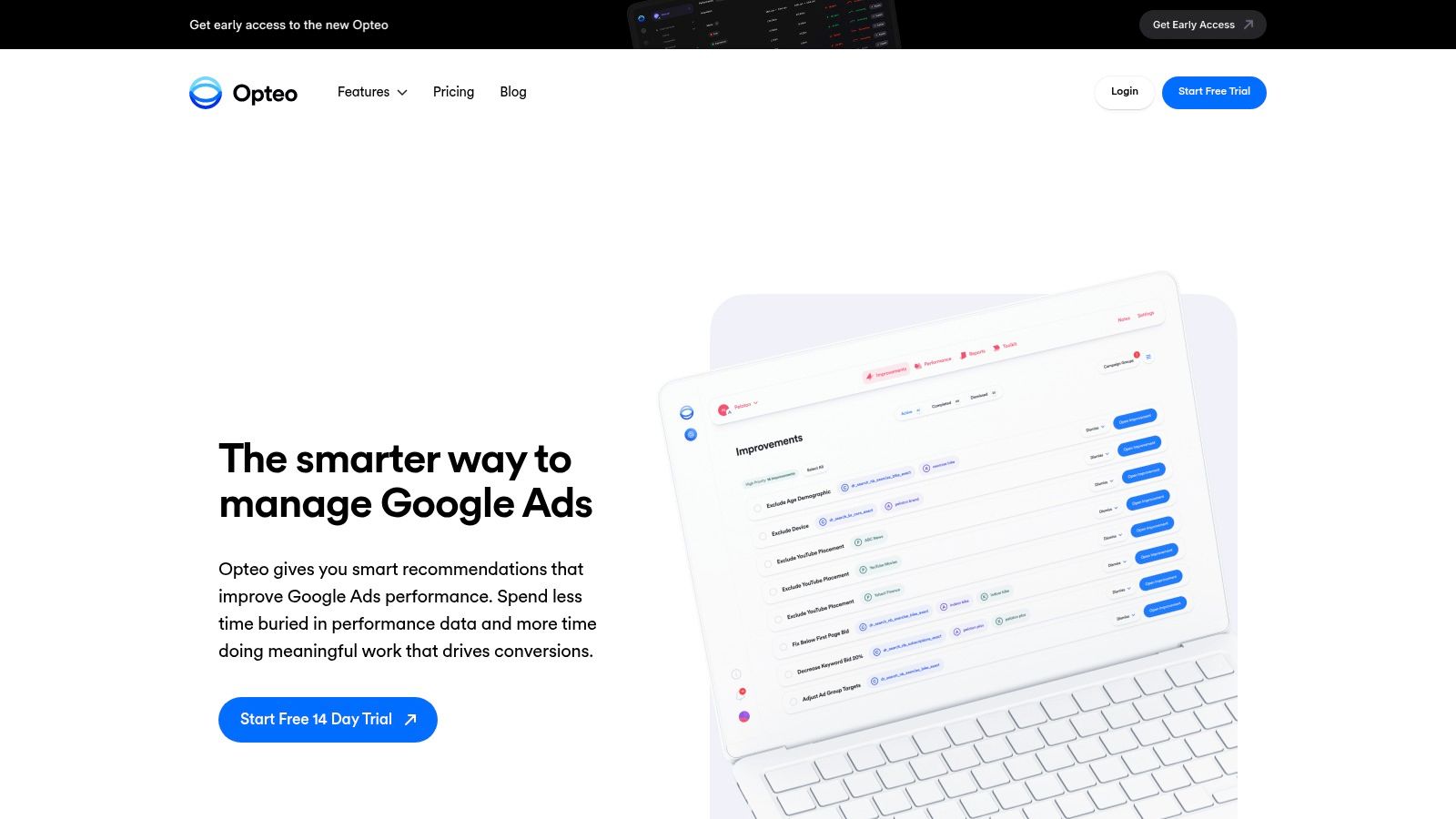
Opteo is built for lean teams that want guided optimization instead of raw data overload. It scans Google Ads accounts continuously, surfaces prioritized improvements, and lets users apply many changes with one click. For smaller teams, that means less time digging and more time making the obvious fixes.
The tool is especially useful for day-to-day account work because it organizes opportunities into practical actions. Keywords, bids, RSA tests, shopping structure, and exclusions are all part of the picture, so the workflow stays close to the actual work a PPC manager needs to do. The reporting and alerts also help teams jump straight to the exact entity inside Google Ads.
What it does well
Opteo makes sense when speed and clarity matter more than broad platform coverage. The interface is approachable, which is helpful for teams without a dedicated analyst or script-heavy ops process. Its pricing structure is also transparent, though the account and spend limits mean larger operations need to check fit carefully.
Good rule of thumb: if your team keeps saying, “we know there are quick wins, we just don’t have time to find them,” Opteo is built for that problem.
It’s not the tool for deep cross-channel automation, and that’s fine. Some teams need an assistant that keeps the search account tidy and actionable, not a control tower for every paid channel.
Best for: lean Google Ads teams that want prioritized recommendations and easy execution.
Trade-off: scale limits can become part of the buying decision, especially for bigger portfolios.
5. Bïrch
Bïrch, formerly Revealbot, is a good fit when the operation spans more than Google Ads. It handles Google Ads, Meta, TikTok, and Snapchat with rule-based automation, alerts, launch workflows, and integrations that make it useful for teams coordinating across multiple channels. The main draw is not just automation, but automation that remains auditable.
For Google Ads specifically, it covers automated actions and alerts across campaign types, including UAC and standard campaigns. That gives agencies a way to keep account behavior consistent while still reacting to performance changes without manual babysitting.
Where it fits in a stack
Bïrch works well for teams that need scheduled actions, multi-channel coordination, or Slack and Sheets-based handoffs. It’s a strong middle ground between native platform controls and custom scripts. The logic is granular enough for real governance, which matters when automated rules start affecting budget flow across several accounts.
The trade-off is commercial, not functional. Pricing scales with monthly ad spend, so larger accounts need to compare costs carefully before standardizing on it. That makes Bïrch better for teams that value broad coverage and rule visibility over simple flat pricing.
For agencies building a standardized operating model, it pairs well with a governance layer. The broader lesson from AI campaign management tools is that automation only helps when people can inspect it later.
Best for: agencies and multi-channel teams that want rule-based automation with broad coverage.
Trade-off: spend-linked pricing can make comparisons harder as accounts grow.
6. Producthero
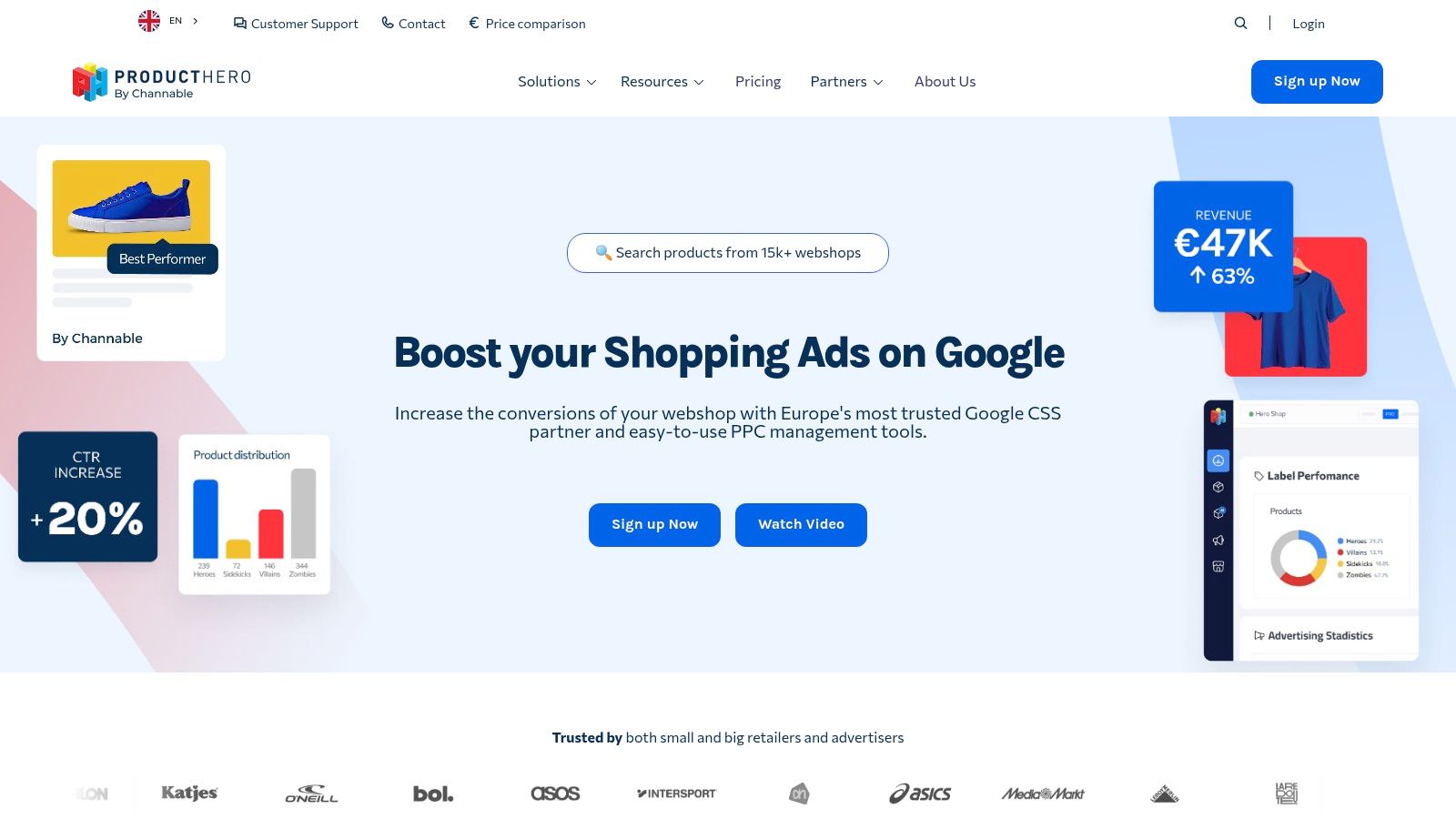
Producthero belongs in the stack when the work is mostly Shopping and Performance Max. It’s a retail-focused companion that helps teams improve product titles, feed attributes, pricing competitiveness, and PMax insight. If the account lives and dies on product-level efficiency, a generic PPC suite usually won’t get close enough to the feed.
Value comes from segmentation and feed action. Producthero’s Labelizer approach helps teams group products into practical buckets for budget allocation, while the Price Benchmark and title tools give ecommerce managers more control over what shows up and how products compete. That’s a more useful layer than broad campaign advice when the merchant catalog is the primary asset.
Retail media trade-offs
The CSS option matters in markets where that structure is available, since it can affect CPC economics. But Producthero is narrower than the general-purpose tools on this list, and that’s the right trade-off if the business is mainly ecommerce. Teams running Search, Shopping, and PMax together often need one feed-led system rather than trying to force the feed work into a generic optimizer.
Feed quality is usually the hidden constraint in Shopping performance.
If your team is still debating campaign tweaks before fixing product titles, labels, or pricing signals, the problem probably sits in the feed layer. That’s where Producthero is most useful.
Best for: ecommerce teams that need sharper control over Shopping and PMax.
Trade-off: it’s not built for broad cross-channel operations outside retail.
7. Supermetrics
Supermetrics solves a different job entirely, moving Google Ads data to where analysts work. It connects to destinations like Sheets, Looker Studio, and BigQuery, which makes it a core part of reporting stacks for agencies and in-house teams that need repeatable data movement. If your team spends too much time copying metrics between tools, cleanup starts here.
The practical benefit is consistency. A native Google Ads connector with permission mapping and account-level controls makes it easier to standardize reporting across clients or brands. The wider connector ecosystem also matters when Google Ads has to sit beside other sources, because campaign decisions rarely live in isolation anymore.
Where it breaks down
The main trade-off is scale economics. Connector-based tools can get expensive when accounts and destinations grow, so you want a clear reporting architecture before committing. Supermetrics works best when the team knows exactly where the data should go and who needs it after it lands.
That’s why it belongs in the data movement category rather than the optimization category. It won’t tell you what to change, but it can make the reporting layer reliable enough to support better decisions.
Best for: agencies and analysts building a durable reporting pipeline.
Trade-off: costs can rise as more accounts and connectors are added.
8. Swydo
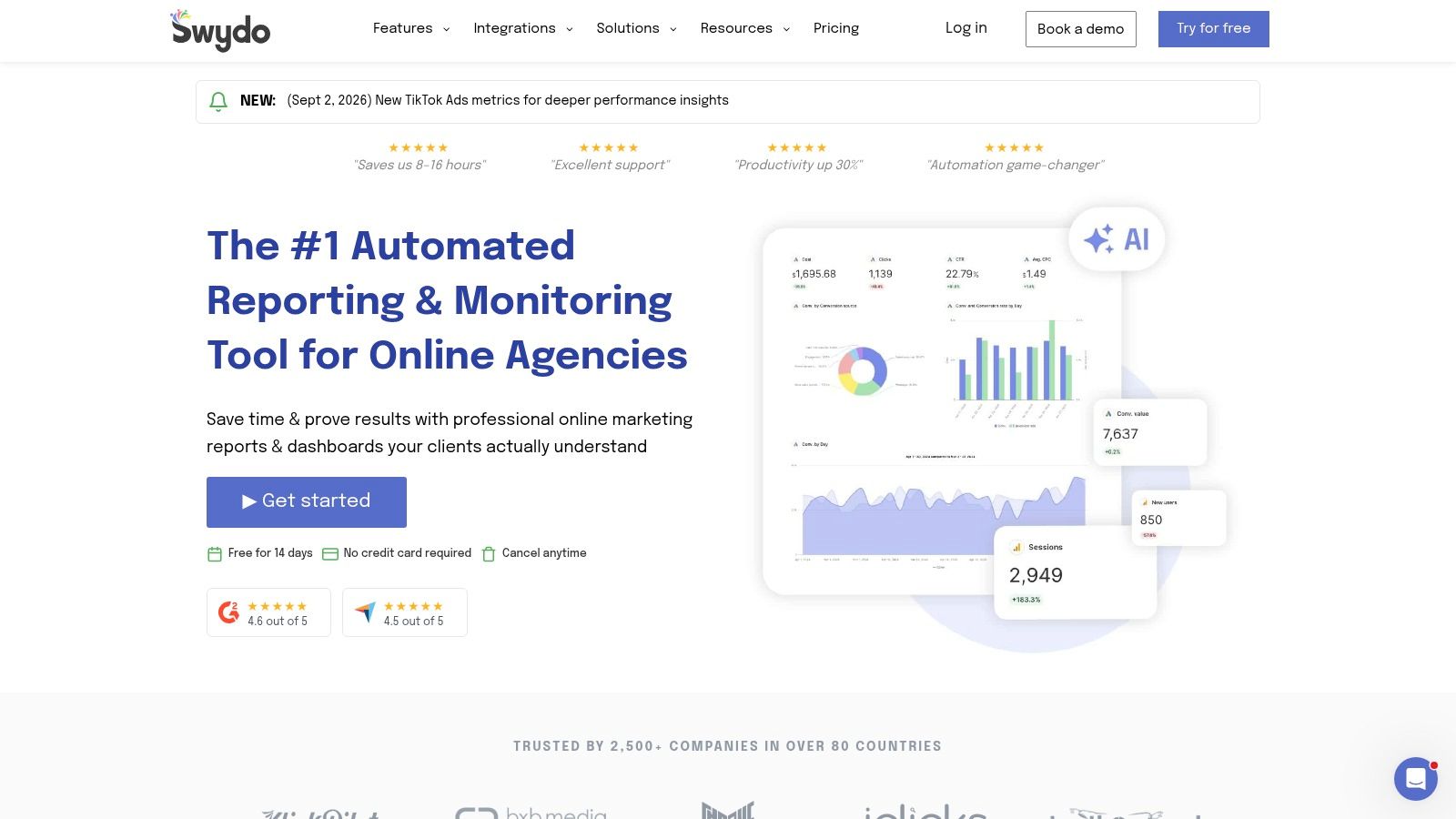
Swydo is a reporting tool for teams that need client-friendly outputs without building every dashboard from scratch. It pulls in Google Ads, GA4, Meta, and other sources, then turns them into templated reports and dashboards that can be scheduled. That makes it especially appealing for agencies with recurring reporting obligations.
What stands out is the time-to-value. If a team needs stable delivery, consistent layouts, and something SLA-friendly for clients, Swydo gets useful quickly. The Google Sheets integration also gives teams a practical extension point when they need custom data handling without rebuilding the whole system.
Reporting versus analysis
Swydo is not trying to be a data warehouse, and that’s why it works. It’s a presentation and monitoring layer, not a deep analytics environment. Per-data-source pricing can add up for multi-account agencies, so it’s worth checking whether the convenience beats a more custom internal setup.
For many teams, the right call is simple. Use a connector tool to move the data, and Swydo to present it in a format clients can read.
Best for: agencies that need recurring, standardized reporting with low setup friction.
Trade-off: per-source pricing can become a concern as the reporting footprint expands.
9. Google Ads Editor
Google Ads Editor is still the safest answer for bulk changes. It’s free, offline, and built for the kind of editing work that gets risky inside a live browser session. If you manage large account structures, need to fix policy problems in volume, or want to review a massive update before it hits the live account, this is the first tool to open.
Its value is control. The desktop workflow supports draft review, change history before sync, bulk find and replace, CSV import and export, and easier undo. That makes it one of the most dependable tools for experienced operators who want local review before anything goes live.
Why it stays essential
Editor doesn’t replace reporting tools, automation tools, or governance layers. It complements them. But for structural changes, it remains hard to beat because the workflow is fast, familiar, and less error-prone than clicking through dozens of live account screens.
A lot of teams still treat Editor as a backup utility. That undersells it. In practice, it’s often the tool that prevents a clean strategy from turning into a messy execution day.
Best for: power users and agencies making large, controlled edits.
Trade-off: it doesn’t help with reporting or cross-channel automation.
10. Search Ads 360
Search Ads 360 sits in the enterprise lane. It’s the right fit when the organization manages search across multiple engines and needs planning, budget bid strategies, inventory-driven management, and governance inside the Google Marketing Platform. For complex programs, the point is not just control, but coordination across systems.
Google’s own AI and planning updates in Ads and Analytics show where the platform is moving, with prompt-driven reporting, homepage insights, and benchmarking surfaces pushing teams toward faster decision-making. Search Ads 360 fits that broader shift because it gives enterprise teams more structure around planning and budget management than the native UI usually does. For readers managing large portfolios, this large account management process guide is a useful reference when the workflow itself needs redesign.
When to choose it
Choose Search Ads 360 when you need enterprise guardrails and your search program crosses engines or requires formal planning controls. It’s overkill for small or single-engine accounts, and the commercial setup is not as simple as buying a lightweight SaaS tool. But if the organization needs deeper alignment between reporting, planning, and governance, it belongs on the short list.
The key trade-off is complexity. Enterprise tooling gives you stronger control, but only if the team has the process maturity to use it well.
Best for: enterprise search teams managing multiple engines and governance requirements.
Trade-off: it can be too much platform for smaller programs.
Top 10 Google Ads Tools, Feature Comparison
| Product | Core features | Unique selling points ✨ | UX/Quality ★ | Value & Pricing 💰 | Target audience 👥 |
|---|---|---|---|---|---|
| AdCrunch 🏆 | OAuth to Meta/TikTok/Google; Meta write (campaigns, budgets, pause/resume); LLM connectors + built-in Adgent; Campaign Plans; permanent Activity log | ✨ Agent-first exec of ops; unified cross-network agent; safety controls (paused creations, no hard-deletes); Skills & Brands playbooks | ★★★★☆; fast diagnosis→action; full audit trail | 💰 Pro €99/mo flat (unlimited accounts & seats); Enterprise SSO/SLA | 👥 Performance agencies, multi‑brand teams, media buyers |
| Optmyzr | Rule engine; prebuilt optimizations; Campaign Automator; budget pacing & anomaly detection | ✨ Deep Google‑first automations & repeatable rules | ★★★★☆; mature, practical UI | 💰 Tiered pricing; best value at scale | 👥 Agencies & in‑house Google Ads teams |
| Adalysis | Automated ad testing & significance checks; account audits; QA workflows | ✨ Rigorous A/B testing + structured QA | ★★★★☆; testing‑centric, opinionated workflows | 💰 Mid-priced; narrower scope | 👥 Agencies standardizing ad testing & QA |
| Opteo | 40+ improvement types; reporting with deep links; bidding experiments | ✨ One‑click prioritized fixes; guided daily optimization | ★★★★☆; approachable for lean teams | 💰 Transparent tiers with account/spend caps | 👥 Small/lean PPC teams wanting guided ops |
| Bïrch (Revealbot) | Cross‑platform rules (Meta, Google, TikTok); launch workflows; integrations | ✨ Granular, auditable multi‑network rule logic | ★★★★☆; powerful automation UI | 💰 Spend‑tiered pricing; scales with ad spend | 👥 Multi‑network agencies needing granular rules |
| Producthero (PRO + CSS) | Shopping/PMax optimizations; title optimizer; price benchmarking; feed sync | ✨ Product‑level levers for Shopping/PMax; CSS option | ★★★☆☆; retail & PMax focused UX | 💰 Pricing + add‑shop/country surcharges | 👥 E‑commerce teams focused on Shopping/PMax |
| Supermetrics | Native connectors to Sheets/BigQuery/Looker Studio; permission mapping | ✨ Broad connector ecosystem; flexible destinations | ★★★★☆; reliable for reporting stacks | 💰 Can be costly as connectors/accounts scale | 👥 Agencies & analysts standardizing data pipelines |
| Swydo | Multi‑source client reporting; scheduling; Google Sheets integration | ✨ SLA‑friendly templated reports & scheduled delivery | ★★★★☆; client‑friendly reports | 💰 Per‑data‑source pricing; transparent calculator | 👥 Agencies needing repeatable client reporting |
| Google Ads Editor (official) | Offline bulk editing; CSV import/export; draft review & undo | ✨ Free, fast desktop bulk editor for large updates | ★★★★☆; power‑user tool for mass edits | 💰 Free | 👥 Power users handling high‑volume account edits |
| Search Ads 360 (GMP) | Cross‑engine search management; budget bid strategies; inventory templates | ✨ Enterprise planning, GMP guardrails & integrations | ★★★★☆; enterprise governance & scale | 💰 Enterprise commercial contracts (not public) | 👥 Large orgs with multi‑engine search programs |
Build the Smallest Stack That Covers the Workflow
The right stack usually starts with the narrowest reliable tool for each job. Google Ads Editor should handle controlled bulk changes. Optmyzr or Bïrch can cover repeatable automation, with Optmyzr leaning Google-first and Bïrch leaning cross-channel. Adalysis or Opteo make more sense when the main pain is testing and guided optimization, while Producthero belongs in retail media and Performance Max workflows where feed quality drives outcomes.
For data and client communication, the split is just as clear. Supermetrics is the better fit when you need stable data movement into Sheets, Looker Studio, or BigQuery, and Swydo is useful when the job is turning that data into client-ready reporting. If the business has enterprise-level complexity, Search Ads 360 becomes relevant because governance and planning matter more than convenience.
AdCrunch deserves a place in the discussion for multi-account teams that want a shared AI interface, operational actions, safety limits, and a permanent audit trail. Its current Google Ads capability is read-only, so it’s not the full execution layer yet, but the workflow it points to is important. It’s built for teams that want diagnosis, coordination, and accountability in one system instead of bouncing between dashboards and chat windows.
The smartest implementation sequence is simple. First, audit the current workflow and find the actual bottleneck. Then choose one tool for that problem, define permissions and review rules, test it on a limited account set, and measure both time saved and campaign outcomes before expanding. That approach keeps the stack small enough to manage and strong enough to matter.
If your team wants an AI-native layer for multi-account ad ops, AdCrunch is built for exactly that workflow. It connects Google Ads and other platforms to LLM-driven assistants, adds safety controls, and keeps every action in a permanent log. Visit AdCrunch to see how it can support faster, more accountable campaign management.