
10 Google Ads Automation Tools for Smarter PPC
Compare 10 Google Ads automation tools for bidding, scripts, API workflows, pacing, and multi-account management in 2026.
- google ads automation tools
- Google Ads automation
- PPC automation
- multi-account PPC
- Google Ads bidding
Most advice about Google Ads automation gets one thing wrong. It treats automation like a single category, as if every tool is trying to solve the same problem. It isn’t. A bid manager, an audit monitor, a pacing platform, a campaign builder, and an API-connected agent are doing different jobs, and they break in different ways.
That matters more now because Google keeps pushing more workflow into automated systems. Smart Bidding started this shift in 2016, and Google added Smart Bidding Exploration for Search campaigns on May 21, 2025, which pushed optimization further toward flexible target-based automation, as outlined in Google’s Smart Bidding Exploration announcement. The wrong response isn’t to buy “an automation tool.” It’s to decide which job you want off a human’s plate first.
For some teams, the bottleneck is bid optimization. For others, it’s anomaly detection, monthly budget pacing, campaign construction, or governance across many accounts. In practice, those needs rarely fit into one product cleanly. That’s why I’d compare Google Ads automation tools on six points: automation type, multi-account support, review controls, implementation effort, platform coverage, and limitations.
If your team is already thinking beyond dashboards, it’s also worth reviewing connected operational layers such as NotFair Google Ads automation review. AdCrunch is relevant in that broader category for teams that want agent-connected workflows across Google Ads and other ad platforms, but the main comparison here stays focused on the listed tools and what each one automates best.
Table of Contents
- 1. Optmyzr
- 2. Adalysis
- 3. Opteo
- 4. Revealbot (Bïrch)
- 5. Shape (now part of NinjaCat)
- 6. Skai (formerly Kenshoo)
- 7. MarinOne (Marin Software)
- 8. Search Ads 360 (Google Marketing Platform)
- 9. Adspert
- 10. Adpulse (successor to PPC Samurai)
- Top 10 Google Ads Automation Tools Comparison
- Choose the Automation Layer You Can Govern
1. Optmyzr
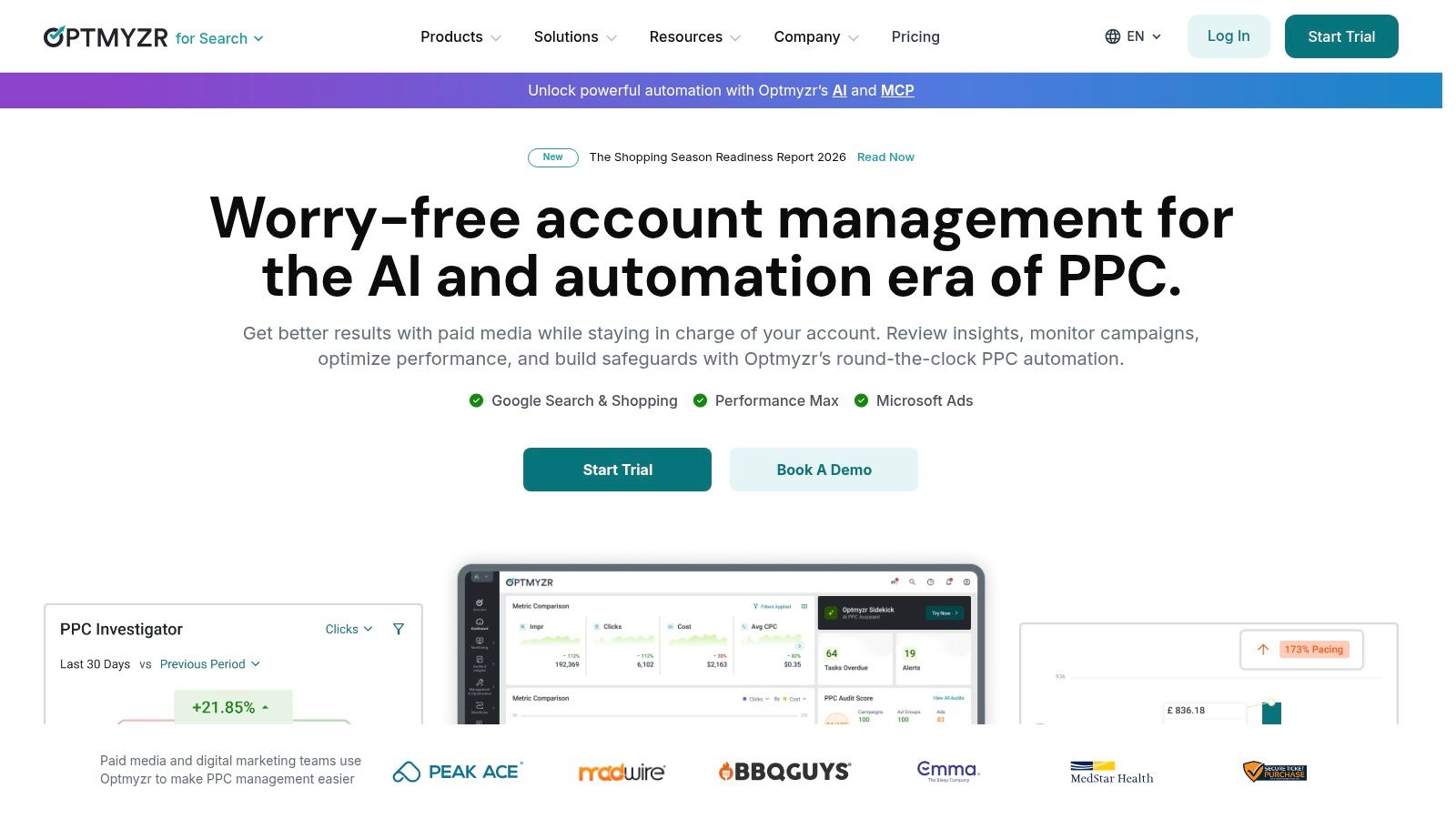
Optmyzr is what I’d call a real operations platform, not just an optimizer. That distinction matters for agencies and in-house teams that manage many accounts and need repeatable workflows with approvals, alerts, and change history rather than one-off recommendations.
It’s strongest when the job isn’t just bidding. Its value shows up in audit automation, budget pacing, feed-driven campaign builds, reporting, and account rules that can run across Google Ads and other publishers. If your team manages mixed-channel accounts, that broader coverage is useful because Google Ads rarely lives alone in an agency workflow.
Where Optmyzr fits best
Optmyzr works well when a team wants to standardize recurring account actions without forcing every change through manual spreadsheet work.
- Rule-heavy account management: Auto-pause logic, bid or budget adjustments, URL checks, and negative-keyword workflows are the practical center of gravity.
- Scaled campaign building: Campaign Automator is useful when builds start from feeds or sheets instead of from the Google Ads interface.
- Cross-platform monitoring: It supports Google Ads alongside Microsoft, Meta, Amazon, LinkedIn, and Yahoo, which makes it easier to centralize oversight.
The trade-off is complexity. Small advertisers can end up paying for a lot of operational depth they won’t use. Teams that only want a light recommendation layer may find it heavier than necessary.
Practical rule: Optmyzr makes the most sense when your problem is process consistency across accounts, not when you just want a few bid suggestions.
For teams comparing broader PPC stacks, this roundup of tools for Google Ads teams is a useful companion.
Use Optmyzr when your automation problem looks like account operations at scale.
2. Adalysis
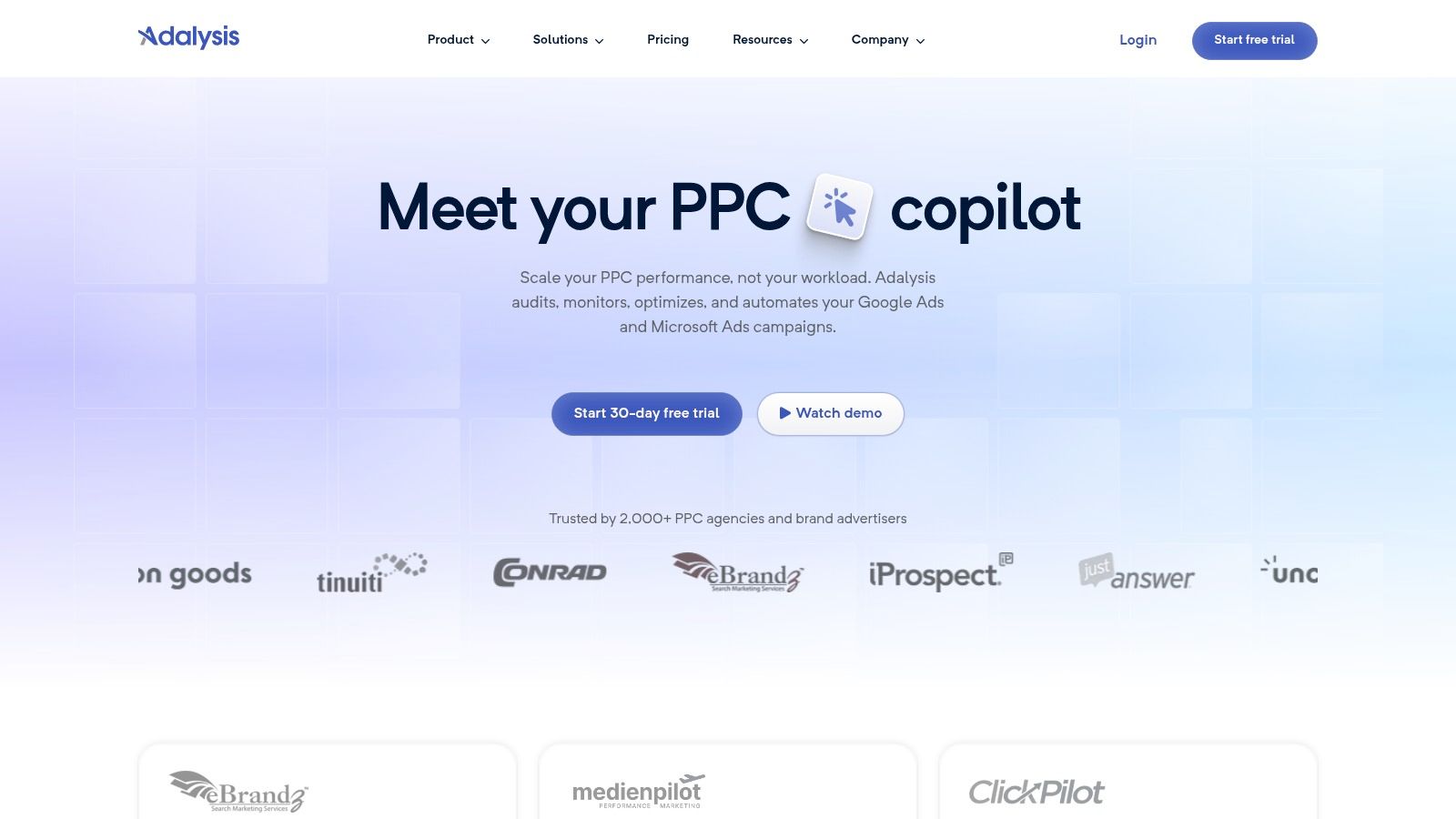
More automation is not always better. In a lot of Google Ads accounts, the bigger problem is missed oversight: broken ad tests, budget drift, weak RSAs, search query waste, or policy issues that sit unnoticed across dozens of accounts.
Adalysis is built for that job. It automates auditing, monitoring, pacing checks, and account review workflows far more than campaign creation or cross-channel orchestration. For agencies and in-house teams managing multiple accounts, that matters because the time drain usually starts in QA and triage long before it starts in bid changes.
The product is strongest when a team wants a repeatable inspection layer across Google Ads and Microsoft Ads. You get prebuilt checks, custom alerts, and budget monitoring that can be tuned to your own standards instead of accepting whatever default recommendations a platform surfaces. That makes Adalysis useful for managers who need junior buyers, account leads, and directors reviewing accounts against the same rules.
Where it is less useful is just as important. Adalysis is not the tool I would choose first for feed-driven campaign builds, cross-channel governance, or API-connected operations across a large paid media stack. It sits closer to auditing than to execution.
A practical way to evaluate it:
- Best automation job: auditing and ongoing account health checks
- Good secondary job: budget pacing and anomaly detection
- Weaker fit: campaign building, social channel management, and broader operating workflows
- Multi-account value: high, especially when the problem is inconsistent review quality across a book of accounts
That selective scope is a real advantage for teams that do not want full autopilot. The operator still decides what to change. The software shortens the time it takes to find the issue, rank it, and catch the same class of problem in every account.
Use Adalysis when your automation gap is account auditing and monitoring at scale, not cross-channel media operations.
3. Opteo
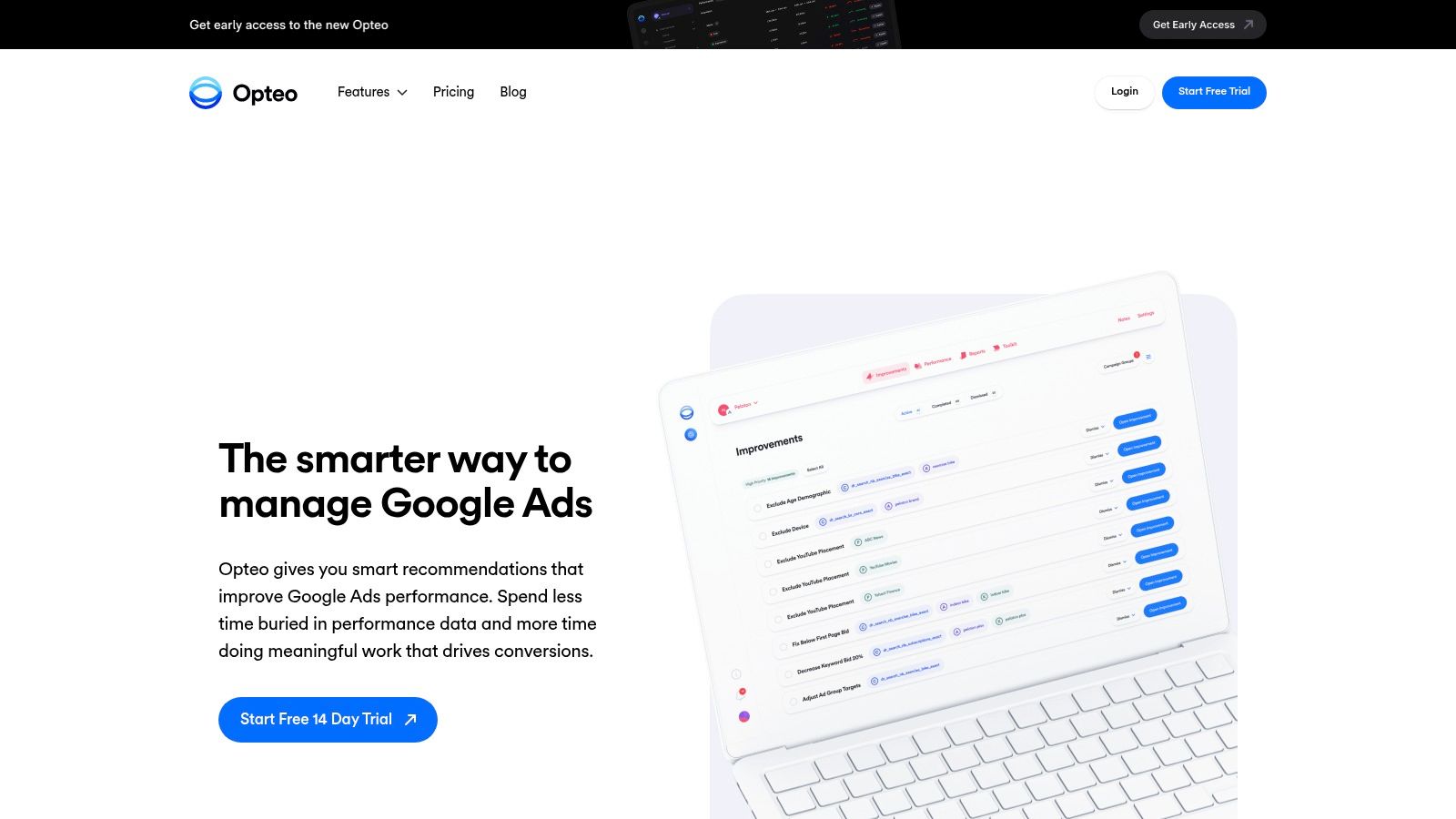
Opteo works best when the job is day-to-day Google Ads optimization, not broad media operations. Teams buy it for a very specific reason: it turns account management into a queue of reviewable actions that a buyer can clear quickly across multiple accounts.
That sounds modest. In practice, it matters. A lot of agencies do not need another bidding platform or a cross-channel command center. They need a lighter layer that surfaces missed fixes, watches budgets, and keeps account managers from spending half the week hunting for obvious issues.
The product is strongest in three jobs: optimization recommendations, pacing oversight, and lightweight multi-account workflow. The Improvements queue does most of the heavy lifting. Instead of starting every review from scratch, the team gets a ranked set of tasks with enough context to decide whether to act.
For agencies, the trade-off is straightforward:
- Strong fit: Google Ads account oversight across a book of SMB and mid-market clients
- Useful secondary fit: budget monitoring, reporting, and account hygiene
- Weaker fit: campaign building at scale, feed-heavy workflows, and cross-channel governance
- Best operator model: account managers and small teams that want human approval before changes go live
Setup is relatively light, which is part of the appeal. You can connect accounts, start triaging recommendations, and get value without an extended implementation project or API work. That makes Opteo easier to adopt than tools built for larger operating environments, but it also sets a ceiling on what it can automate.
I usually see Opteo land well in teams that have enough account volume to need structure, but not so much complexity that they need custom infrastructure. Once a team is managing search, social, feeds, reporting, and internal workflow from one governed system, Opteo often becomes one layer in the stack rather than the control center.
Use Opteo when the automation gap is Google Ads account management across multiple accounts, and the team still wants a person reviewing the recommendation before execution.
4. Revealbot (Bïrch)
Bïrch handles a different job than tools built around Google Ads recommendations or account audits. It automates operating rules across ad platforms. For teams managing search and paid social together, that distinction matters more than another layer of in-platform suggestions.
The practical use case is day-to-day control. Spend spikes, CPA swings, ad disapprovals, and pacing issues rarely stay inside one channel, especially in agency books with dozens of client accounts. Bïrch lets teams set conditions, trigger actions, and push alerts into Slack so the response happens inside the workflow the team already uses.
That makes it more of an operations layer than an optimization layer.
A good way to evaluate Bïrch is by the jobs it takes off the team:
- Pacing and budget intervention: rules can pause, scale, or notify based on spend thresholds and performance windows
- Cross-channel governance: Google Ads, Meta, TikTok, and Snapchat can sit under similar operating logic instead of being managed as separate systems
- Bulk changes across accounts: useful for agencies that need to apply repeatable actions across many clients without building internal tooling
- Alerting and escalation: Slack notifications help account managers catch issues before they turn into missed caps or wasted spend
The trade-off is depth versus breadth. Bïrch is useful for rule-based execution, but it is not the strongest choice for teams whose main bottleneck is campaign building, feed management, or enterprise reporting architecture. Spend-based pricing also changes the math as budgets rise. A setup that looks efficient on a smaller client roster can get expensive once the tool is monitoring and acting across a large managed portfolio.
I usually put Bïrch in the shortlist when the team already knows what actions should happen and needs a reliable way to enforce them across channels. If the bigger question is how to structure PPC automation more broadly, this guide to PPC automation tools is a useful companion.
Use Bïrch when the automation gap is cross-channel rules, pacing controls, and multi-account operational response.
5. Shape (now part of NinjaCat)
Shape earns a place on this list for one specific job: pacing and budget governance. That sounds narrow until an agency is managing monthly caps across dozens of Google Ads accounts, plus paid social, with finance and client services expecting clean numbers every day.
For that use case, bid automation is not the bottleneck. Operational control is.
Teams that adopt Shape usually need a layer above the ad platforms. They want to group budgets across channels, watch spend against targets, and push reporting into a centralized BI setup without relying on manual spreadsheet checks. Since Shape now sits inside NinjaCat, the value is less about campaign-side optimization and more about connecting pacing controls with reporting workflows and account oversight.
A practical way to judge it is by the work it removes from the team:
- Shared budget management across campaigns or channels
- Pacing visibility tied to business targets, not just platform spend columns
- Reporting alignment for agencies that already run client delivery through a central reporting stack
That makes Shape more relevant to multi-account operators than to a single in-house advertiser running a few campaigns. If the account team spends more time reconciling spend, explaining overages, and adjusting allocations than building campaigns, this category of automation can save real effort. If the main problem is search query mining, ad testing, or feed-driven buildouts, it is the wrong layer.
The trade-off is straightforward. Shape addresses budget operations well, but it is not the product I would pick first for Google Ads auditing, creative testing, or hands-on campaign construction. It fits agencies and reporting-heavy teams that need guardrails, visibility, and a system for budget governance across accounts.
Use NinjaCat when the automation gap is pacing control and reporting operations, especially across a larger client portfolio.
6. Skai (formerly Kenshoo)
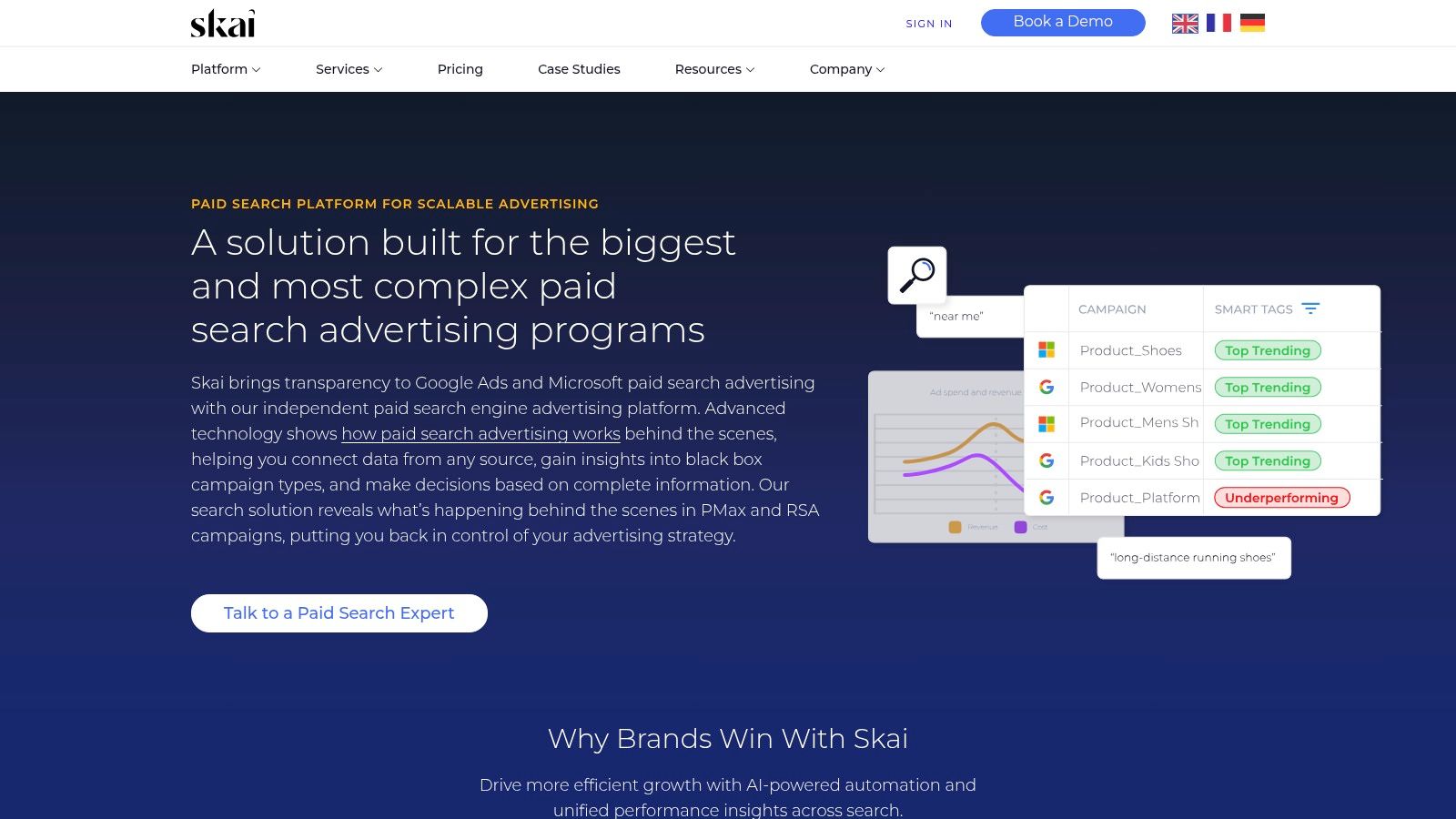
Skai is rarely the right answer for a team that just wants faster Google Ads optimization. It becomes relevant when the job is coordinating bidding, budgeting, and reporting rules across a large account group, multiple publishers, and several internal stakeholders.
That distinction matters.
A lot of tools in this category automate account work. Skai automates operating model work. Teams use it to manage portfolio bidding, forecast spend, connect external data, and keep execution standards consistent across markets or business units. For agencies, the appeal is less about saving a few clicks in one account and more about creating a repeatable control layer across a portfolio of clients with complicated approval paths.
The strongest fit is usually one of these scenarios:
- A large advertiser needs bidding and pacing logic applied across Google, Microsoft, retail media, or social, with one governance process
- An agency manages many enterprise accounts and needs standardized workflows, permissions, and reporting outputs across teams
- Media operations depend on offline conversions, inventory signals, or business data that cannot live only inside the ad platforms
Skai is strongest in cross-channel governance and API-connected operations. It can support bidding and forecasting at scale, but the buying decision usually comes down to control, not just optimization. Teams choose it when native automation no longer matches how the organization is structured.
The trade-off is straightforward. Setup is heavier than with mid-market tools, and the team needs clear ownership over taxonomy, data inputs, access controls, and exception handling. Without that discipline, Skai turns into an expensive layer sitting on top of the platforms instead of a system that improves execution.
I would shortlist Skai Search for organizations managing many accounts, regions, or channels where governance is the hard part. If the main need is auditing a single Google Ads account or speeding up everyday optimizations, this is usually more platform than the team needs.
7. MarinOne (Marin Software)
MarinOne is usually not the first tool I would pick for a team that only wants better Google Ads bidding. Its value shows up when the job is broader: control spend, pacing, and workflow across several publishers without forcing every operator to abandon native tools.
That distinction matters.
MarinOne sits between lighter PPC utilities and heavier enterprise stacks. It covers Google Ads, Microsoft, Meta, Amazon, and other publishers, but the practical buying question is not channel count. It is which jobs you want centralized and which ones should stay inside the ad platforms.
For Google Ads teams managing multiple accounts, MarinOne is strongest in three areas:
- Pacing and budget control across publishers: Useful for agencies and in-house teams that need one view of spend and budget movement across a portfolio.
- Bulk campaign operations: Better suited to repeated edits, shared workflows, and account-wide changes than to one-off optimizations inside a single account.
- API-connected reporting and business data inputs: Helpful when performance decisions depend on offline conversions, margin data, or BI systems.
The bidding story is more mixed. MarinOne can support portfolio bidding and centralized management, but some Google campaign types still work best with native automation and direct platform access. Teams need to be honest about that before rollout. If the media team expects every workflow to become faster in one interface, the implementation will disappoint them.
A better way to evaluate MarinOne is by workflow ownership. If account managers still optimize in Google Ads, while finance, leadership, or operations need shared pacing, governance, and reporting across accounts, MarinOne can fit well. That is why it often makes more sense for agencies and multi-brand advertisers than for a single-account performance team looking for audits or scripts.
Teams comparing it with other PPC management platforms for multi-account operations should look closely at implementation effort. MarinOne needs clear naming conventions, data hygiene, and agreement on which actions happen centrally versus natively. Without that operating model, it becomes another reporting layer.
Use Marin Software if the main automation job is portfolio-level pacing, budgeting, and cross-publisher control. If the priority is faster Google-only optimization, lighter tools usually get you there with less setup.
8. Search Ads 360 (Google Marketing Platform)
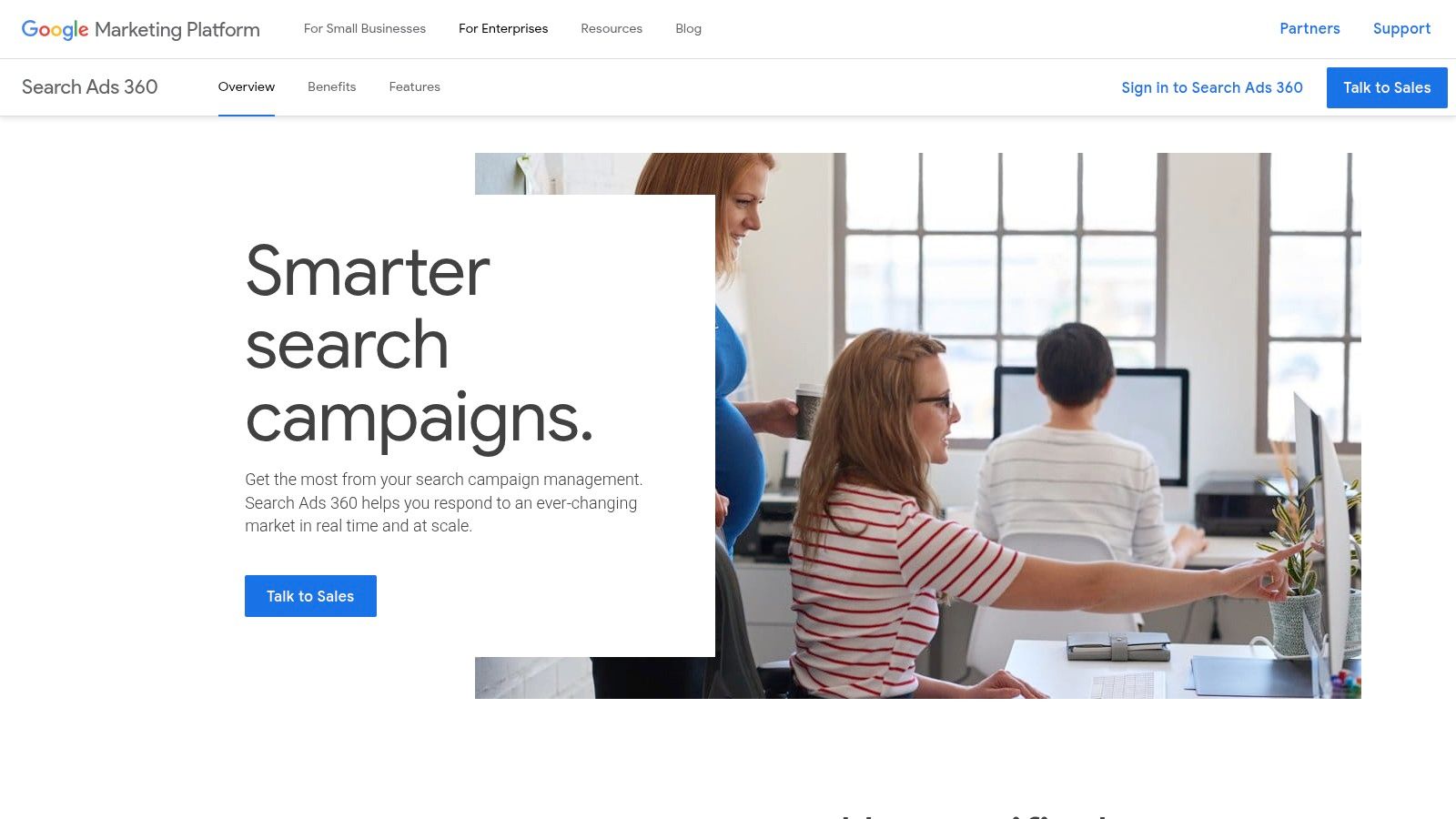
Search Ads 360 is rarely the tool you buy to get better ad copy tests or faster weekly optimizations in a single Google Ads account. You buy it to control how search programs are built, budgeted, and measured across many accounts, markets, and engines.
That distinction matters.
SA360 is strongest when the automation job is operational governance. Campaign creation from templates, inventory-driven updates, budget pacing, forecasting, and shared reporting all become easier to standardize when multiple teams touch the account structure. Agencies with large client portfolios and in-house teams running international programs usually feel that value first. A smaller performance team managing one brand often will not.
The trade-off is that SA360 works best for organizations willing to run search like an operating system, not a collection of specialist tactics. Setup effort is real. Naming conventions, feed quality, Floodlight design, and handoffs between media, analytics, and engineering need to be settled early or the platform turns into an expensive layer on top of Google Ads.
A practical way to judge SA360 is by function:
- Campaign building: Strong for template-led and inventory-connected account builds at scale.
- Pacing and forecasting: Useful when budget control has to roll up across many accounts or regions.
- Cross-channel governance: Helpful if search operations need to align with a wider Google Marketing Platform setup and formal reporting workflows.
- API-connected operations: Better suited to teams that already move data through BigQuery and internal systems than to teams looking for lightweight account automation.
- Bidding: Capable, but not the main reason many teams adopt it. Native Google automation still handles a lot of day-to-day bid execution.
That last point is where teams can misread the product. SA360 can centralize search management, but centralization is not the same as simplification. Agencies managing many accounts may gain consistency and control. They also take on process overhead, training needs, and more dependency on clean upstream data.
Use Search Ads 360 if the core problem is governing large-scale search operations across accounts, markets, and systems. Skip it if the main need is quicker Google Ads optimization inside a small team.
9. Adspert
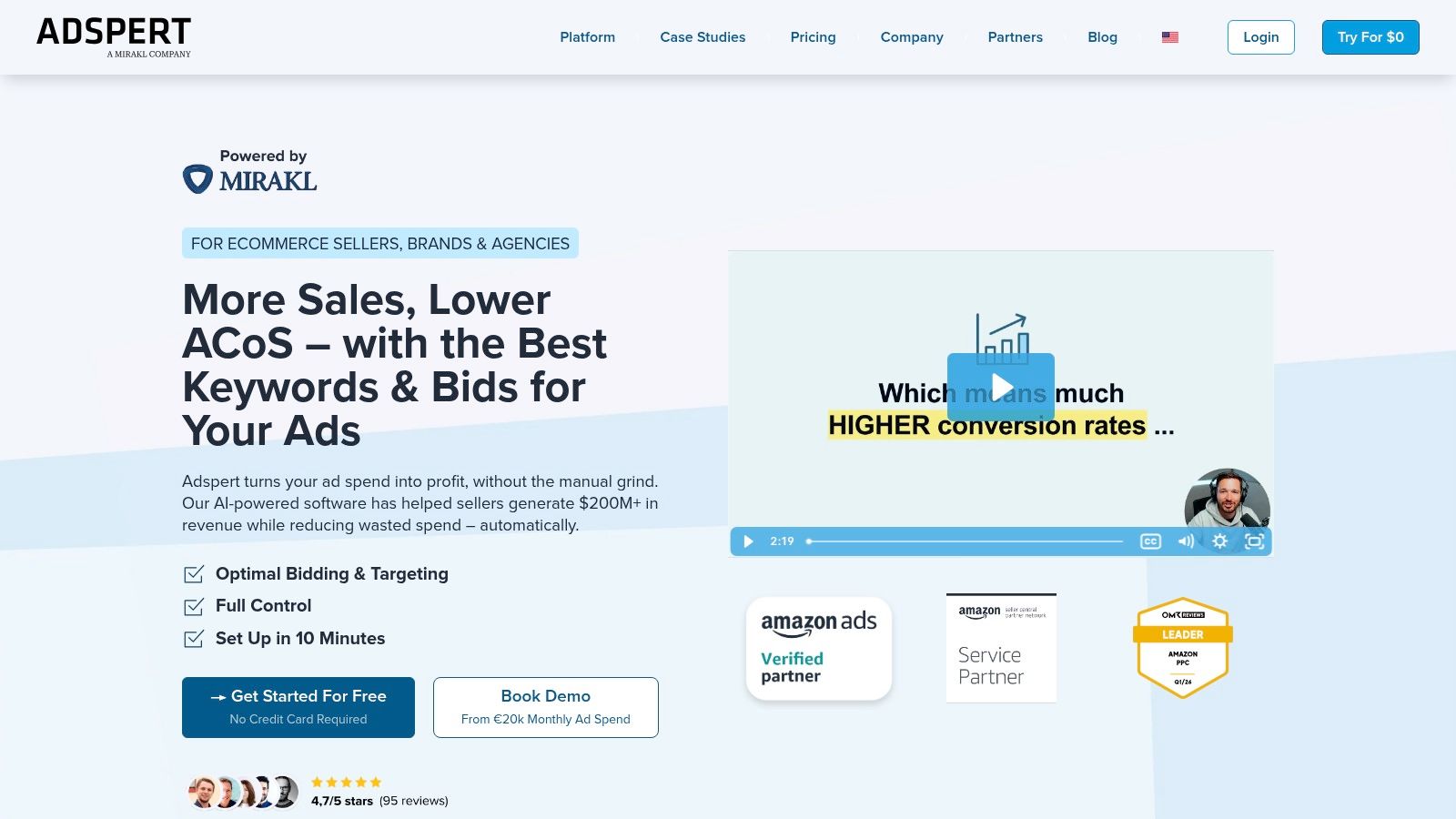
Adspert fits a narrower job than many tools in this list. It is primarily a bidding and budget optimization layer, not a broad workflow system for audits, builds, or reporting governance. That distinction matters for agencies and in-house teams managing several accounts, because a specialist tool can improve one bottleneck while leaving the rest of the operating model unchanged.
For the right setup, that is a benefit.
Teams that already have campaign QA, reporting, and account structure under control may not need another platform full of checklists and recommendations. They may need a system that pushes spend toward revenue or profit targets across Google, Microsoft, and retail media without asking traders to manage bid adjustments all day. Adspert is easier to justify in that scenario than in an account where tracking, naming, and budget ownership are still messy.
A practical way to assess it is by the job mix:
- Bidding: This is the core use case. Adspert is built for algorithmic bid decisions tied to targets such as revenue, profit, clicks, or vCPM.
- Pacing: Useful, but mostly in service of the bidding model rather than as a dedicated pacing and governance layer for large client portfolios.
- Campaign building: Limited compared with platforms focused on templates, feeds, or large-scale structure management.
- Auditing: Not the main reason to buy it. Teams will still need another process or tool for account hygiene and change review.
- Cross-channel governance: Partial. Retail media support helps advertisers operating across search and marketplace environments, but it does not replace a broader operating layer for approvals, reporting, and stakeholder control.
- API-connected operations: Better for teams that want optimization outcomes than for teams building custom automation pipelines around account data.
That profile makes Adspert more useful for specialist performance teams than for agencies that need one platform to standardize work across dozens of client accounts. If the agency problem is governance, task management, or account-wide consistency, Adspert will feel narrow. If the problem is that traders spend too much time babysitting bids and budgets across search plus retail media, the narrowness can be the point.
The risk sits upstream. Bid systems only work as well as the conversion inputs, margin logic, and attribution rules they receive. PPC & Co’s analysis of measurement quality in Google Ads automation makes the same point in broader terms. Weak signals produce bad optimization, even when the algorithm is competent.
Use Adspert if bidding and budget allocation are the main automation jobs you need to improve. Pass if your team needs stronger auditing, campaign production, or multi-account governance more than bid efficiency.
10. Adpulse (successor to PPC Samurai)
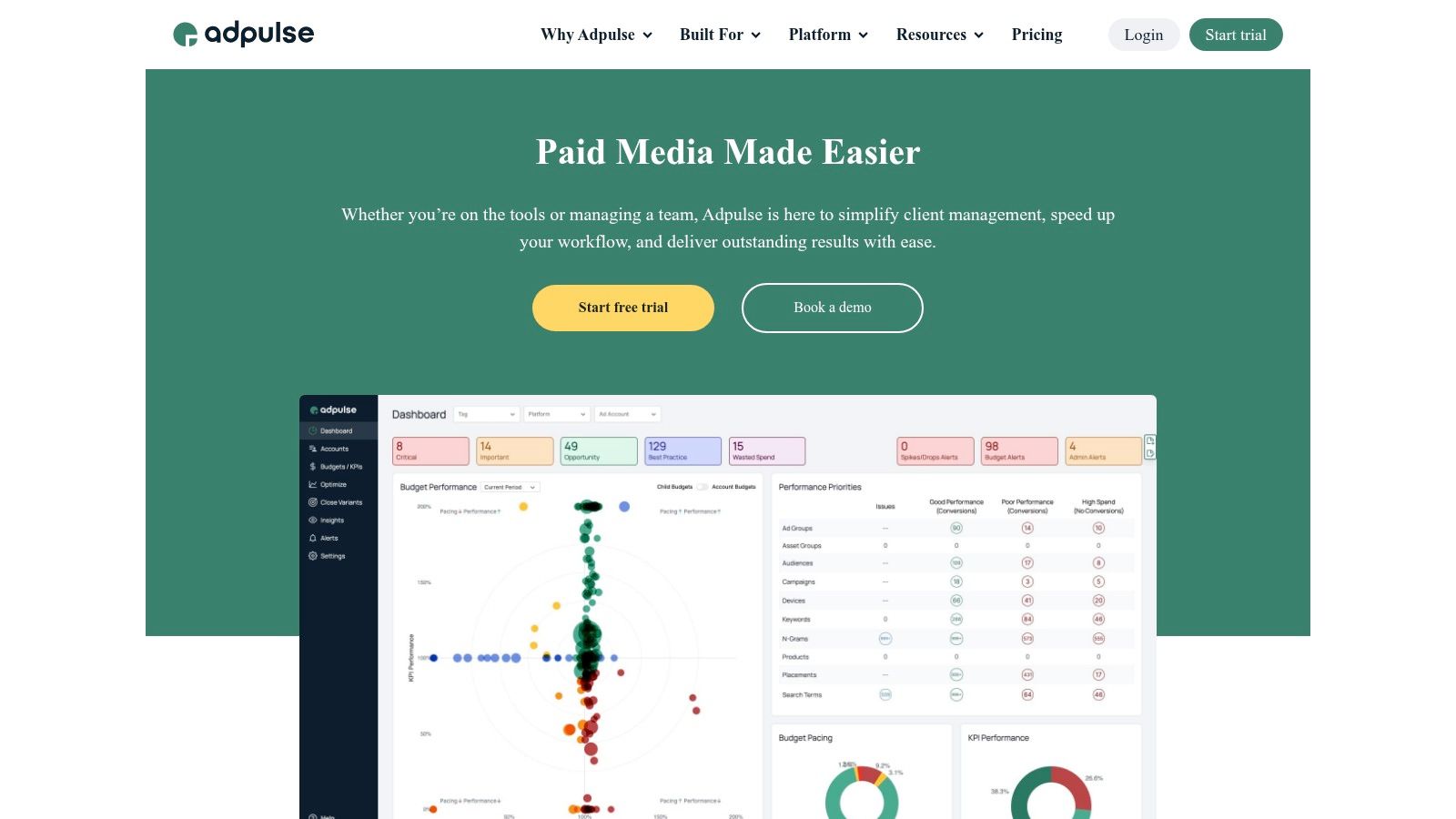
Adpulse earns its place here for a narrower reason than several tools above. It automates pacing and budget control across multiple ad platforms, and that job matters a lot for agencies that spend more time preventing overspend than debating bid strategy.
That focus changes how the tool fits into a stack.
If the main automation job is bidding, Adpulse is not the strongest option in this list. If the main job is auditing, it is also not the tool I would pick first. Its value sits with spend governance, parent-child budget structures, and routine account controls that keep delivery aligned with plan across Google Ads, Microsoft Ads, and paid social accounts.
A practical way to evaluate Adpulse is by the jobs it removes from weekly account management:
- Pacing accounts against monthly or portfolio budgets
- Rolling budget changes down into sub-accounts or campaign groups
- Applying search term and match-type controls across accounts
- Monitoring spend across a mixed channel book of business
That makes it more relevant to agencies and in-house teams managing many accounts than to a single-brand advertiser looking for one more optimization layer. Teams with dozens of clients often already have native bidding in place. Their real problem is operational consistency. They need fewer budget surprises, fewer manual checks, and clearer control over who can change spend targets.
The trade-off is scope. Adpulse helps with pacing, budget hierarchy, and cross-channel spend management. It is less compelling as an all-purpose system for campaign building, deep creative testing, or API-first workflow design. Teams that need custom automations flowing into warehouses, BI tools, or internal approval systems may outgrow it. Teams that need a reliable control layer for active media budgets may find the narrower scope useful.
Its channel coverage also matters. Support for Google, Microsoft, Meta, LinkedIn, TikTok, Amazon, Pinterest, and Reddit gives agencies one place to govern budget movement across different client mixes, which is harder to do with search-only tools.
Use Adpulse if your automation gap is pacing, budget governance, and multi-account spend control. Pass if your bigger bottleneck is campaign production, deep auditing, or custom API-connected operations.
Top 10 Google Ads Automation Tools Comparison
| Product | ✨ Core features | 👥 Target audience | Action scope & safety | 💰 Pricing / value | ★ Quality & 🏆 USP |
|---|---|---|---|---|---|
| AdCrunch | ✨ AI-native ad‑ops: OAuth connectors (Meta/TikTok/Google), LLM agents (Claude/ChatGPT/Cursor), Campaign Plans, Skills & Brands, permanent activity log | 👥 Teams/agencies managing many ad accounts that need fast diagnosis→action with auditability | Writes to Meta (create/pause/adjust budgets); read access on others; creations paused; no hard‑deletes/target edits; full server‑side audit trail | 💰 Pro €99/mo flat (unlimited accounts & seats); Enterprise with SSO/SLA | ★★★★ 🏆 Agent-driven execution + flat org pricing + permanent activity log |
| Optmyzr | ✨ Rule engine, sheet/feed campaign builder, multi‑account automations, reporting & alerts | 👥 Agencies scaling many accounts needing granular, auditable automations | Executes rule‑based changes (auto‑pause, bid/budget adjustments, bulk builds) across publishers | 💰 Scales with needs, cost rises with scale/feature set | ★★★★ 🏆 Mature, highly granular automation library |
| Adalysis | ✨ 100+ audit checks, daily monitors, anomaly alerts, budget pacing tools | 👥 PPC specialists focused on fast triage for Google & Microsoft | Continuous monitoring + alerts; supports pacing/alert‑driven fixes (mostly audit/monitor focus) | 💰 Mid‑tier value for search‑centric teams | ★★★★ 🏆 Deep, customizable audits for rapid triage |
| Opteo | ✨ “Improvements” queue, anomaly detection, budget alerts, simple reporting | 👥 Practitioners who want quick, explainable Google Ads suggestions | Suggests transparent fixes; users can review and push changes directly to Google Ads | 💰 Lower friction pricing; simple setup and apply flow | ★★★ 🏆 Fast, easy-to-review actionable suggestions |
| Revealbot (Bïrch) | ✨ Cross‑platform rules/strategies, Slack/Sheets integrations, bulk ops, real‑time alerts | 👥 Teams needing real‑time rules and notifications across paid social & search | Automations & real‑time rule execution across Meta, Google, TikTok, Snapchat | 💰 Pricing scales by monthly ad spend (can grow with scale) | ★★★★ 🏆 Strong real‑time alerting + cross‑platform rules |
| Shape (NinjaCat) | ✨ Grouped budgets, advanced pacing designer, BI/data‑warehouse integrations | 👥 Agencies requiring enterprise pacing and centralized reporting | Budget caps and pacing across channels; integrates with BI stacks for governance | 💰 Enterprise packaging via NinjaCat, contact for pricing | ★★★★ 🏆 Mature multi‑platform budget‑pacing at scale |
| Skai (Kenshoo) | ✨ Portfolio bidding, cross‑publisher workflows, offline/1P data ingestion, forecasting | 👥 Large in‑house teams and enterprise agencies with complex governance | Enterprise portfolio bidding, campaign mirroring and advanced forecasting across channels | 💰 Enterprise pricing & onboarding | ★★★★★ 🏆 Enterprise‑grade governance and cross‑channel control |
| MarinOne | ✨ Portfolio bidding (Ascend), cross‑channel bulk edits, data integrations | 👥 Advertisers/agencies needing centralized bidding & reporting | Cross‑channel bidding and bulk operations with BI integrations | 💰 Enterprise‑leaning pricing and implementation | ★★★★ 🏆 Flexible centralized control for multi‑platform ops |
| Search Ads 360 | ✨ Cross‑engine campaign mgmt, templates, budget forecasting, BigQuery export | 👥 Large advertisers/agencies in the Google Marketing Platform ecosystem | Deep native Google integrations; cross‑engine builds and enterprise data pipelines | 💰 Enterprise / GMP pricing | ★★★★★ 🏆 Deepest native integration with Google stack |
| Adspert | ✨ Algorithmic bidding (revenue/profit/ROAS), market‑curve modeling, keyword harvesting | 👥 Advertisers focused on profit/ROAS and performance‑aligned pricing | Automated bidding optimizations; performance‑oriented goal setting | 💰 Offers performance‑based pricing options | ★★★ 🏆 Profit‑oriented bidding models and incentive alignment |
| Adpulse (PPC Samurai successor) | ✨ ROAS‑driven budget automation, pacing guardrails, search‑term cleanup, multi‑platform support | 👥 Agencies managing mixed channel mixes focused on spend control | Auto‑pacing, KPI‑linked budgets, parent/child budget structures across platforms | 💰 Mid→enterprise pricing; suited to agency stacks | ★★★ 🏆 Purpose‑built for spend control and pacing |
Choose the Automation Layer You Can Govern
There isn’t a universal winner in Google Ads automation tools because there isn’t a universal automation job. Teams that need faster account checks and cleaner alerting should start with Adalysis or Opteo. They solve a common problem well: reducing manual review time without forcing a major operating change.
If your workflow is broader and more agency-shaped, Optmyzr is usually the stronger fit. It covers more jobs, supports more publishers, and gives multi-account teams the sort of rules, build tools, and reporting structure that hold up under real client operations. If budget pacing is the main pain point, Shape and Adpulse are easier to justify because they’re closer to spend governance than to generic optimization.
Bid and portfolio optimization belong in a different bucket. Adspert, MarinOne, and Skai make the most sense when the core problem is capital allocation, target-based bidding, and cross-platform budget management rather than daily audit work. Search Ads 360 is the clearer choice for organizations that already run deep in the Google stack and want enterprise governance, structured workflows, and data infrastructure support around search.
Before rollout, I’d test five things in a limited account set. First, permissions. Can the tool separate read access, suggested actions, and direct writes in a way your team can live with? Second, coverage. Does it support the campaign types and publishers that matter to your operation, or will buyers still bounce back to native UIs for key tasks? Third, review workflow. Can changes be inspected, approved, and rolled back cleanly? Fourth, pricing scale. Some tools look affordable until account count or ad spend grows. Fifth, alert quality. Bad alerting creates more work than it saves.
For teams that want an agent-connected operational layer rather than another dashboard, AdCrunch is relevant in a different way. It can connect to Google Ads alongside Meta and TikTok, work through Claude, ChatGPT, Cursor, its REST API, or Adgent, and keep a permanent activity log while limiting write scope. That model is useful when the goal is to query live ad account data and route controlled actions through one operational layer instead of adding another reporting interface.
The safest next step is simple. Pick one repeatable workflow, define approval rules before anyone automates it, test it on a small account group, and measure two outcomes: time saved and operational risk. If a tool saves time but makes changes harder to audit, it isn’t helping. Good automation reduces both manual effort and management anxiety.
AdCrunch gives multi-account teams an AI-native way to work across Google Ads, Meta, and TikTok with connected agents, controlled write scope, and a permanent activity log. If your automation problem is less about another dashboard and more about turning analysis into governed action, visit AdCrunch.