
7 Best PPC Tools for Smarter Account Management
Compare the best PPC tools for automation, reporting, creative operations, pricing, and multi-account management across paid search and social.
- best PPC tools
- PPC automation
- PPC management software
- Google Ads tools
- paid social tools
The biggest PPC platform isn’t always the best PPC tool. A team can spend heavily in Google Ads and still lose time if it has the wrong system for execution, reporting, creative work, or account governance. The smarter way to choose is to match the tool to the job behind the ads, then check how it handles multi-account workflows, pricing, safety controls, and cross-channel coverage.
That matters more now because PPC has become a mainstream operating layer, not a side utility. In 2024, the ad management software market was estimated at roughly USD 4.64 billion, and one market report said more than 1.1 million businesses in North America used these tools to manage omnichannel campaigns (Market Growth Reports). The best PPC tools are the ones that help teams move from diagnosis to action without creating more operational drag.
This roundup compares seven tools by the work they perform, execution, search optimization, cross-platform automation, creative production, enterprise activation, and governance. AdCrunch is the strongest fit for teams that want agent-assisted operations across multiple accounts. The others serve more specialized needs, from search managers to paid-social operators and large enterprise advertisers.
Table of Contents
- 1. AdCrunch
- 2. Optmyzr
- 3. Adalysis
- 4. Bïrch
- 5. Smartly.io
- 6. Skai
- 7. Google Search Ads 360
- Top 7 PPC Tools, Side-by-Side Comparison
- Choose the Tool That Matches Your Operating Model
1. AdCrunch
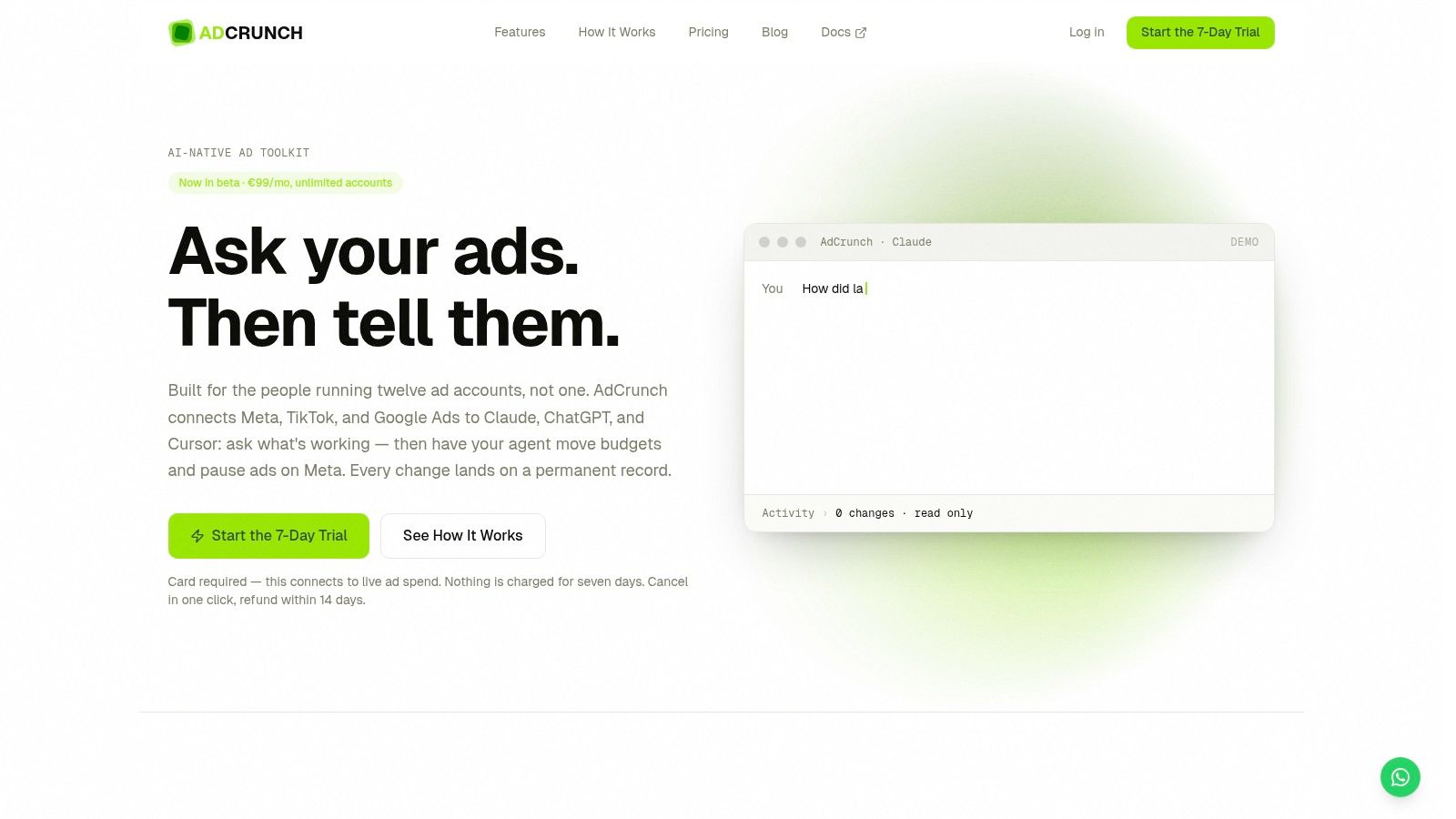
AdCrunch stands out because it doesn’t stop at reporting. It connects Meta, TikTok, and Google Ads to LLM clients like Claude, ChatGPT, and Cursor, or to its built-in Adgent, so a media buyer can ask questions and then push changes from the same workflow. That matters for multi-account teams because the bottleneck is usually not finding an insight, it’s turning that insight into a budget move, pause, resume, or launch action without losing context.
Where it fits best
The product is aimed at performance agencies, freelance media buyers, in-house multi-brand teams, e-commerce teams, and growth teams that operate across several accounts. Its flat €99/month Pro plan includes unlimited ad accounts and seats, with read access across Meta, TikTok, and Google Ads, plus write access on Meta for building campaigns, ad sets, creatives, ads, and budgets.
Practical rule: if you manage more than one account and keep repeating the same cleanup or budget work, a tool that executes the change matters more than another dashboard.
The safety model is a real differentiator. AdCrunch creates new items paused, avoids hard-deletes, blocks targeting changes to existing ad sets, and blocks bid edits. It also keeps credentials inside the platform, executes server-side, and records every action in a permanent activity log with account, change details, request origin, and outcome.
Why it changes the operating model
AdCrunch also reduces tool-switching by unifying three networks behind one connection shape. Its Skills & Brands layer lets teams encode playbooks and brand rules, while Campaign Plans keep structured launch plans synchronized with execution. That combination is rare, because most PPC tools separate planning, reporting, and action into different screens and often different payment tiers.
AdCrunch is the best fit when the real problem is operational lag, not lack of insight.
Pricing is simple, which matters for agencies and multi-brand teams that hate per-seat friction. The 7-day trial is available with a card required at signup, nothing charged during the week, and paid plans include a 14-day refund policy. Enterprise buyers can add SSO, SLA, and custom integrations.
Pros
- Multi-account execution: build campaigns, pause underperformers, and adjust budgets without manual repetition.
- Flat pricing model: one org-level fee avoids per-account and per-seat creep.
- Guardrails built in: paused creations, no deletions, no bid edits, and a permanent audit trail.
- LLM-native workflow: works through Claude, ChatGPT, Cursor, REST API, or Adgent.
Cons
- Write access is Meta-first today, so TikTok and Google Ads are still read-only.
- Not ideal for single-account users, because the pricing is designed to pay off across many accounts.
- Trial requires a card, and connected accounts currently give both read and write scope.
Website, AdCrunch
2. Optmyzr
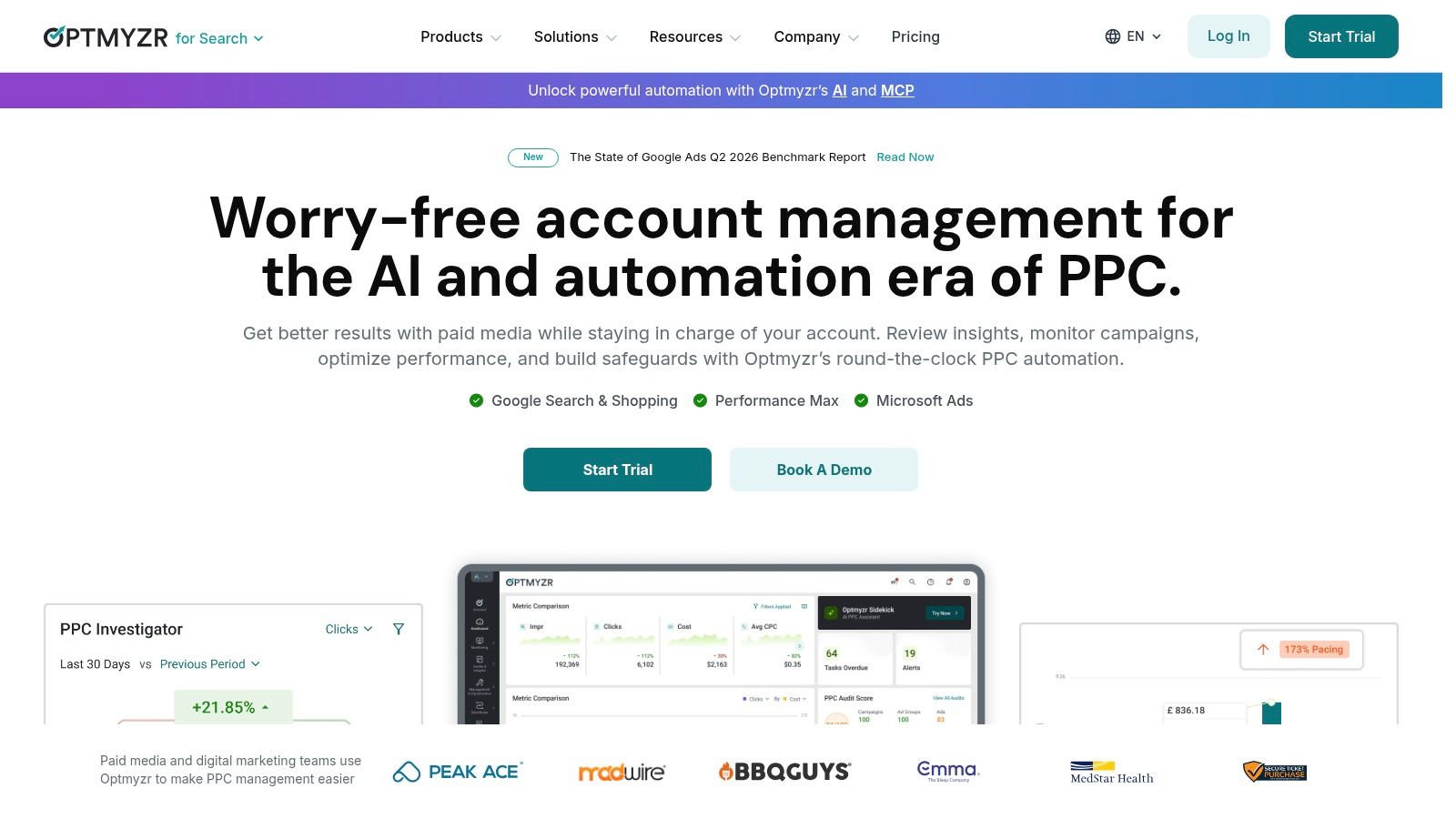
Optmyzr is built for teams that live in Google Ads and Microsoft Advertising. It’s a strong fit when the job is not “manage every channel,” but “run search and shopping accounts with less manual cleanup, better pacing, and more consistent rule-based work.” For agencies and in-house search teams, that makes it one of the most practical tools in the market.
Internal guidance for Google Ads tool selection is also helpful here, and Optmyzr fits neatly into that search-first lane. The company’s own product pages show a system centered on Rule Engine, budget pacing, alerts, Campaign Automator, account audits, and shopping feed tools. For teams that already know their search process, this is the kind of tool that removes repetitive account work without forcing a complete platform migration.
The trade-off to watch
Optmyzr’s strength is depth in search operations, not breadth across every paid channel. That makes it a better fit than a broad suite for teams focused on feeds, rules, bids, and hygiene. It’s also multi-account friendly, which matters for agencies that need one way of working across many clients instead of rebuilding processes for each account.
Practical rule: choose Optmyzr when your team needs repeatable search automation more than cross-social orchestration.
The other major point is pricing mechanics. Optmyzr prices by monthly ad spend, which can make sense for larger search operations but can feel expensive if your portfolio is small or still uneven. That structure is useful to understand early, because it affects how quickly the tool pays off as accounts grow.
Pros
- Strong search and shopping automation for recurring account work.
- Well-suited to multi-account workflows in agency environments.
- Useful audit and pacing features for account hygiene and budget control.
Cons
- Spend-based pricing can scale faster than smaller teams want.
- Not a full cross-channel enterprise suite, so it’s narrower than larger omnichannel platforms.
- Advanced modules can add complexity if your team only needs a few core workflows.
Website, Optmyzr
3. Adalysis
Adalysis is for teams that want Google Ads and Microsoft Advertising optimization with less guesswork and more transparent account checks. The platform is especially useful when account hygiene matters as much as raw bid management, because it centers the work around audits, alerts, testing, and budget governance instead of broad marketing-suite sprawl.
Its core feature set is easy to map to day-to-day search management. The product emphasizes 100+ customizable audit checks, custom alerts, budget tracking, projections, rule-based budget automation, RSA asset management, Performance Max insights, and campaign builder tools. That makes it a good fit for teams that want clear checks and direct fix paths, especially when many accounts need the same standards applied consistently.
Why it appeals to search teams
Adalysis also has a useful structural advantage, unlimited Google and Microsoft accounts and users on all plans. For agencies and in-house search teams, that removes one of the most annoying pricing headaches in PPC software, the fear that adding users or client accounts turns into a licensing negotiation.
The product is still search-centric, though, and that’s a good thing if your problem is search management rather than omnichannel buying. It doesn’t try to be Meta-first or TikTok-first, so teams don’t end up paying for creative or social features they won’t use.
Adalysis works best when your team wants a clear system for auditing, testing, and controlling search accounts, not a broad ad platform wrapper.
Its pricing is described as transparent and spend-based, and the company offers trial options. That keeps evaluation simple, but the core value comes from how well the audit workflow maps to your internal process. Teams that already use review checklists and account standards tend to get the most from it.
Pros
- Unlimited accounts and users remove scaling friction.
- Audit-led workflows make hygiene easier to maintain.
- Good fit for Google and Microsoft account governance.
Cons
- Search-centric only, so it won’t replace paid-social tooling.
- Advanced experimentation is narrower than what enterprise suites offer.
- Not built for creative production, so asset-heavy teams will still need other systems.
Website, Adalysis
4. Bïrch
Bïrch, formerly Revealbot, is the automation layer for teams that want to move quickly across Meta, Google, TikTok, and Snapchat. Its value is in launching and managing campaigns with fewer manual steps, not in pretending to be a full enterprise suite. For agencies and e-commerce teams that run many short-cycle campaigns, that matters more than deep reporting decoration.
The product centers on cross-platform automated rules, nested strategies, Launcher for bulk ad creation, Explorer for insights, Audience builders, custom metrics, and integrations with Slack, Sheets, and attribution tools. It also includes Bïrch AI, MCP connectors, and a Signals Gateway for event collection, which gives it a modern automation shape without pushing teams into a complex enterprise procurement cycle.
When Bïrch beats a bigger suite
Bïrch has a different logic from tools like Optmyzr or Adalysis. Those tools are strongest in search operations. Bïrch is stronger when the team’s real problem is launch speed across paid platforms and the need to automate decisions at the campaign layer without waiting on manual approvals for every move.
The pricing model is public, agency-friendly, and includes a free trial. That transparency is useful because automation tools can become hard to compare once connected-account spend starts rising, so teams should check how the plan changes as portfolios grow.
Practical rule: if your team is constantly launching, duplicating, and adjusting campaigns across several platforms, automation coverage matters more than a prettier dashboard.
Pros
- Fast cross-platform execution across major paid channels.
- Bulk-launch and automation tools suit high-velocity teams.
- Public pricing makes early evaluation easier.
Cons
- The Essential plan is limited, so serious automation often requires Pro.
- Costs can rise with connected-account spend, so larger portfolios should watch overages.
- Not an enterprise governance suite, so compliance-heavy teams may want more structure.
Website, Bïrch
5. Smartly.io
Smartly.io is the clearest choice here for teams where creative production and paid-social activation are tightly linked. It brings campaign creation, dynamic product feeds, and optimization into one workflow across Meta, TikTok, Pinterest, and Snap, which makes it especially useful for catalog-driven brands and multi-market creative ops.
The platform’s value sits in Dynamic Creative Optimization, product-feed templating, creative intelligence, and predictive scoring before launch. That combination is important because many social teams don’t just need a place to buy media, they need a system for producing variants, testing creative logic, and shipping assets across markets without rebuilding each campaign by hand.
Internal coverage on media buying tools points to the same direction, good tools solve the work behind the work, not just the reporting layer. Smartly.io is built for that reality, especially in larger paid-social environments where asset production and media activation happen together.
What the enterprise buyer gets
Smartly.io is quote-based, so pricing isn’t public. That’s normal for enterprise software, but it also means smaller teams should be careful before engaging sales if they mainly need automation and not a full creative operating system.
The platform is strongest when a team already has structured creative pipelines, product feeds, and regional campaign needs. It’s heavier than most mid-market tools, but that weight is also why it works for global brand teams that need consistency across many markets and ad sets.
Smartly.io is a fit when creative variations, feed data, and campaign delivery need to live in the same production line.
Pros
- Strong creative automation for paid-social programs.
- Cross-channel social coverage across major platforms.
- Well suited to catalog and DCO workflows for larger brands.
Cons
- No public pricing, so evaluation requires sales engagement.
- Can be too heavy for smaller teams with simple campaign needs.
- Best value depends on structured creative operations, not just media spend.
Website, Smartly.io
6. Skai
Skai is the enterprise option for advertisers that need one system across search, social, retail media, and 120+ publishers. It’s designed for large, multi-region programs where planning, activation, budgeting, and cross-channel reporting need to stay aligned under one operating model. If your team runs complex portfolios and needs governance across many publishers, this is one of the strongest candidates.
The platform includes automation and optimization across 120+ publishers, GenAI-assisted workflows through Celeste AI, competitive insights, budgeting, forecasting, and search term analysis. That mix is why Skai tends to show up in enterprise benchmark lists, the market rewards tools that combine cross-platform coverage with measurable actionability rather than single-network dashboards.
The procurement advantage matters
Skai’s pricing model is one of its most notable features, because it publishes annual pricing tiers mapped to ad spend. For enterprise buyers, that creates more clarity during procurement than a pure black-box quote process. The tool is still best suited to larger budgets, but at least the cost structure is more legible than many enterprise suites.
Skai is not a casual add-on. It usually needs a dedicated team and an internal process to realize value, because the platform is built for scale and coordination, not quick one-off optimizations.
Practical rule: pick Skai when the main problem is not buying ads, but coordinating many publishers, regions, and internal stakeholders.
Pros
- Broad publisher coverage across search, social, and retail media.
- Published annual pricing tiers improve procurement visibility.
- Enterprise support model fits global programs.
Cons
- High annual floor, so it’s best for large budgets.
- Needs a dedicated process to get full value.
- Overkill for smaller account sets or simple channel mixes.
Website, Skai
7. Google Search Ads 360
Google Search Ads 360, or SA360, is the enterprise search layer for teams that already work inside the Google Marketing Platform. It’s built for cross-engine search management, inventory-based campaign structures, centralized budgets, and advanced bidding. If governance and measurement live inside GMP, this is often the cleanest route.
The product’s strongest point is its native connection to Floodlight, CM360, and DV360, which makes it attractive for advertisers who want search buying and measurement to sit in the same ecosystem. It also supports API-driven enterprise workflows and permissions, which matters when many people touch the same accounts and approvals need to stay clean.
The internal benchmark article on ad account management is relevant here because SA360 is really about account control, not creative experimentation. That distinction helps teams avoid buying it for the wrong reason.
Where it fits and where it doesn’t
SA360 works well for complex, multi-brand search operations with heavy governance needs. It is not a social or video buying tool, so teams need other systems for those channels. The fee model is also worth understanding early, since it’s based on a percentage of eligible ad spend and may include minimum service fees.
That pricing structure can make sense for enterprise procurement, but it also means smaller search teams should compare it against lighter tools before committing. If your organization already depends on GMP, the value is easier to justify because the measurement and bidding stack stays integrated.
SA360 is strongest when search governance and measurement need to stay inside the Google ecosystem.
Pros
- Strong governance for multi-brand search programs.
- Native GMP integration with measurement and display tools.
- Enterprise permissions and API workflows support larger teams.
Cons
- Search-only buying, so social and video need separate tools.
- Contract-based pricing can be expensive for smaller teams.
- Best value depends on Google Marketing Platform adoption.
Website, Google Search Ads 360
Top 7 PPC Tools, Side-by-Side Comparison
| Product | Implementation (🔄) | Resources & Pricing (💡) | Expected outcomes (⭐📊) | Ideal use cases (⚡) | Key advantages |
|---|---|---|---|---|---|
| AdCrunch | Moderate setup: connect Meta/TikTok/Google + LLMs/Adgent; server‑side execution and playbook encoding. 🔄🔄 | Flat Pro €99/mo (unlimited accounts/seats); enterprise add‑ons; 7‑day trial (card). 💡 | High operational automation and auditability; faster action-to-insight; ⭐⭐⭐⭐ 📊 | Agencies and teams managing many accounts; multi‑brand e‑commerce; LLM-driven ad ops. ⚡ | Unified multi‑network agent; Skills & Brands guardrails; permanent activity log; server‑side creds. 💡 |
| Optmyzr | Moderate: integrates with Google & Microsoft; rule engine and automators to standardize workflows. 🔄🔄 | Spend‑scaled pricing; some modules have limits; scales with account volume. 💡 | Strong time savings on hygiene, pacing and builds; predictable search/shopping gains; ⭐⭐⭐ 📊 | Search/shopping‑focused agencies and in‑house teams handling many accounts. ⚡ | Rule Engine, Campaign Automator, prioritized audits, feed‑driven campaign builds. 💡 |
| Adalysis | Low–moderate: quick onboarding, many built‑in audit checks and direct fix paths. 🔄 | Transparent, spend‑based plans with unlimited accounts/users; trials available. 💡 | Improved account hygiene, budget governance and A/B testing support; ⭐⭐⭐ 📊 | Search/Microsoft teams needing governance and clear audits. ⚡ | 100+ customizable checks, budget forecasting, unlimited accounts/users. 💡 |
| Bïrch (Revealbot) | Moderate: cross‑platform connectors and nested automation strategies; bulk launch tools. 🔄🔄 | Public, agency‑friendly pricing; costs rise with connected‑account spend; free trial. 💡 | Fast launches and broad cross‑platform automation; reduced manual bulk work; ⭐⭐⭐⭐ 📊 | Agencies and e‑commerce teams needing rapid multi‑channel launches. ⚡ | Cross‑platform rules, bulk ad creation, audience builders and integrations. 💡 |
| Smartly.io | High: enterprise creative ops, DCO and feed templating; integration across social platforms. 🔄🔄🔄 | Quote‑based enterprise pricing (sales engagement); higher total cost and setup. 💡 | Strong creative automation and large‑scale DCO performance; ⭐⭐⭐⭐📊 | Large brands and multi‑market catalog teams needing unified creative + delivery. ⚡ | Dynamic Creative Optimization, product‑feed templating, creative intelligence. 💡 |
| Skai (Kenshoo) | High: omnichannel, publisher integrations and GenAI workflows; enterprise deployment. 🔄🔄🔄 | Annual tiers mapped to ad spend; high minimums suited to large budgets. 💡 | Omnichannel optimization and forecasting at enterprise scale; ⭐⭐⭐⭐⭐ 📊 | Multi‑million‑dollar global programs across search, social and retail media. ⚡ | Broad publisher coverage, enterprise support, cross‑channel budgeting/forecasting. 💡 |
| Google Search Ads 360 (SA360) | High: GMP integration, inventory feeds and centralized bidding; enterprise workflows. 🔄🔄🔄 | Fee as % of eligible spend + possible minimums; contractual engagement required. 💡 | Centralized cross‑engine search governance and advanced bidding; ⭐⭐⭐⭐⭐ 📊 | Large advertisers with complex multi‑engine search programs and GMP measurement. ⚡ | Native GMP integrations (Floodlight/CM360/DV360), centralized budgets, SLAs. 💡 |
Choose the Tool That Matches Your Operating Model
The best PPC tool depends on the work you need to replace. If your team needs agent-assisted execution across many accounts, AdCrunch is the clearest fit because it combines safety controls, a permanent activity log, and flat pricing with real write actions on Meta. If your work is mainly search and shopping optimization, Optmyzr and Adalysis are better fits because they focus on audit, pacing, bidding, and account hygiene.
If you run paid media across several platforms and need fast launches, Bïrch is the practical automation choice. If your team’s bottleneck is creative production inside paid social, Smartly.io is the better enterprise answer. For large omnichannel advertisers with many publishers and strong internal process requirements, Skai makes sense. For governed, multi-engine search inside the Google Marketing Platform ecosystem, SA360 is still the cleanest enterprise option.
A simple selection sequence keeps the decision grounded. First, identify which channels require changes, not just reporting. Second, count how many accounts and users need access. Third, map the automation depth you need, from alerts to actions. Fourth, compare how pricing scales as you add accounts, spend, or seats. Finally, test whether the tool fits your approval, audit, and compliance process before you commit.
For most multi-account teams, the choice isn’t between one perfect suite and another. It’s between a dashboard that shows activity and a system that helps your team act on it safely, quickly, and at scale.
AdCrunch is built for that exact gap, especially for teams that need to manage many accounts without adding more manual work or pricing friction. If you want a PPC workflow that connects insight to execution, visit AdCrunch and see how its agent-assisted operations fit your account structure.