
10 AI Tools for Marketers to Scale Campaigns
Compare 10 AI tools for marketers across content, SEO, creative, analytics, and ad operations, with practical guidance for teams of every size.
- ai tools for marketers
- marketing automation
- AI content tools
- PPC automation
- marketing analytics
A small marketing team usually hits the same wall at once. You need blog content, ad creative, landing pages, SEO briefs, reporting, and faster decisions across several accounts, but every new tool adds another login, another review step, and another place where work gets stuck. The hard part isn’t finding more AI. It’s choosing the few tools that complete jobs inside your workflow.
That’s why this list looks at AI tools for marketers by the work they handle, not by generic claims about intelligence. Some tools help you ship on-brand campaign assets. Some tighten SEO execution. Some improve conversion paths. A smaller set can support paid-media operations where someone needs to decide, approve, and act without creating risk.
The comparison is simple. For each tool, I’m looking at primary use case, how well it fits into existing systems, what team size it suits, how much human oversight it still needs, pricing details where they’re clearly supplied, and where the limitations show up. One platform rarely replaces every specialist product, and trying to force that usually creates mediocre output in several places instead of strong output in one.
That matters even more now because AI adoption in marketing has moved well past novelty. SurveyMonkey’s 2025 roundup reported that 56% of marketers said their company was taking an active role in implementing and using AI. That doesn’t mean every stack is mature. It means many teams are already making choices about where AI belongs.
If you want a broader content-focused market scan before narrowing your stack, WaveGen.ai’s 2026 tool guide is a useful companion read. This list gets more operational, faster.
Table of Contents
- 1. AdCrunch
- 2. Jasper
- 3. Copy.ai
- 4. Writesonic
- 5. Surfer
- 6. Semrush ContentShake AI
- 7. Anyword
- 8. Unbounce
- 9. Smartly.io
- 10. Optmyzr
- Top 10 AI Marketing Tools Comparison
- Build a Stack That Scales With the Team
1. AdCrunch
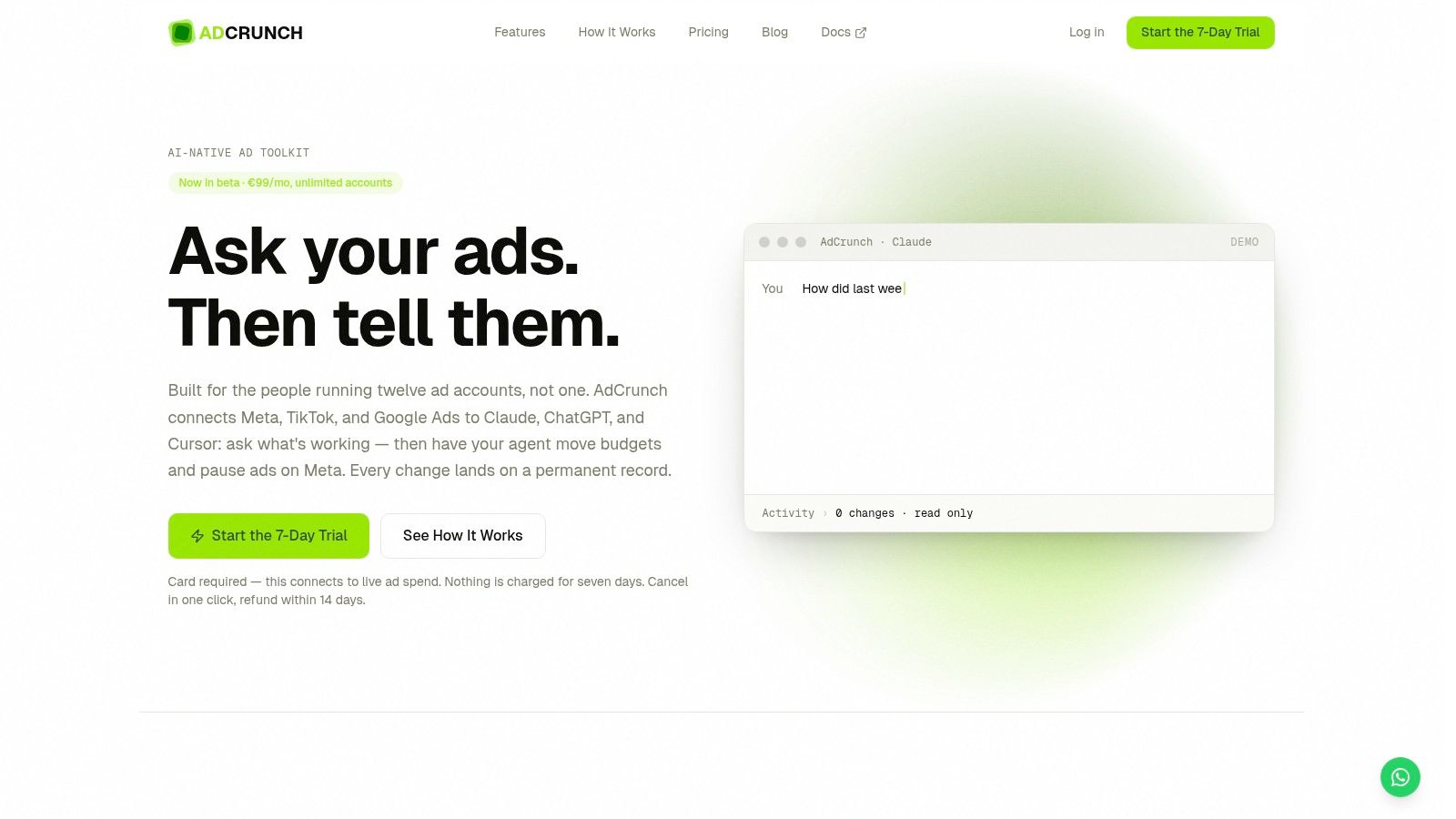
A buyer spots wasted spend in Meta at 9:15, sees a creative trend in TikTok at 9:20, and still has to open Ads Manager to make the actual change. That handoff is where a lot of AI tooling stalls. AdCrunch is built for the part after analysis: controlled execution.
It reads performance across Meta, TikTok, and Google Ads, then lets teams take approved action on Meta from the same working flow. For agencies and in-house teams managing several accounts, that matters more than another dashboard or copy assistant. The job here is paid-media operations, not idea generation.
Where it fits best
AdCrunch suits teams that already know how they want campaigns managed and need a faster way to apply those rules. Setup is practical. You connect ad accounts through OAuth, credentials stay server-side, and the platform works through its own agent or external tools such as Claude, ChatGPT, and Cursor. That gives experienced buyers a way to keep their existing analysis habits while tightening execution.
The action layer is intentionally constrained. On Meta, it can create campaigns, ad sets, creatives, and ads, adjust budgets, and pause, resume, or archive entities. New builds are paused by default. It does not hard-delete, change targeting on existing ad sets, or edit bids.
Those limits reduce operational risk. Teams with approval pressure, junior operators, or client-sensitive accounts usually want guardrails more than raw freedom.
What works in real operations
The main strength is workflow control at scale. A freelancer with one account can do the same work manually. A small agency with 15 accounts, or an in-house team split across brands, starts to feel the benefit quickly because analysis, action, and recordkeeping stay in one place.
Skills and Brands are useful if the team already runs on playbooks. You can encode naming rules, brand constraints, and operating preferences so repeated actions stay closer to house standards. Campaign Plans also help teams that do not want strategy in one document and build instructions in another.
The Activity page is the feature I would look at first during evaluation. It logs the account, requested change, request origin, and result for every action. If your team needs to explain who changed budget, why a campaign was paused, or whether an AI-assisted action ran, that audit trail is more valuable than another set of recommendations.
Trade-offs to know before buying
AdCrunch is narrower than some buyers may expect. Write actions are limited to Meta, so teams wanting direct execution across Google Ads and TikTok will still need native workflows there. That does not kill the use case, but it does define it clearly. The product is strongest when Meta is the main execution environment and the other networks inform decisions.
The pricing model also tells you who it is for. Pro is €99 per month for unlimited ad accounts and seats, with an Enterprise tier for SSO, SLA, and custom integrations. There is a 7-day trial, a card is required to start, and the site lists a 14-day refund policy on paid plans. For multi-account teams, flat pricing is practical. For a solo operator with one modest account, it may be more system than they need.
One more consideration. The product is presented as beta, and the site does not surface public customer testimonials or third-party awards. For teams with strict procurement or vendor-review requirements, that may slow adoption even if the workflow fit is strong.
2. Jasper
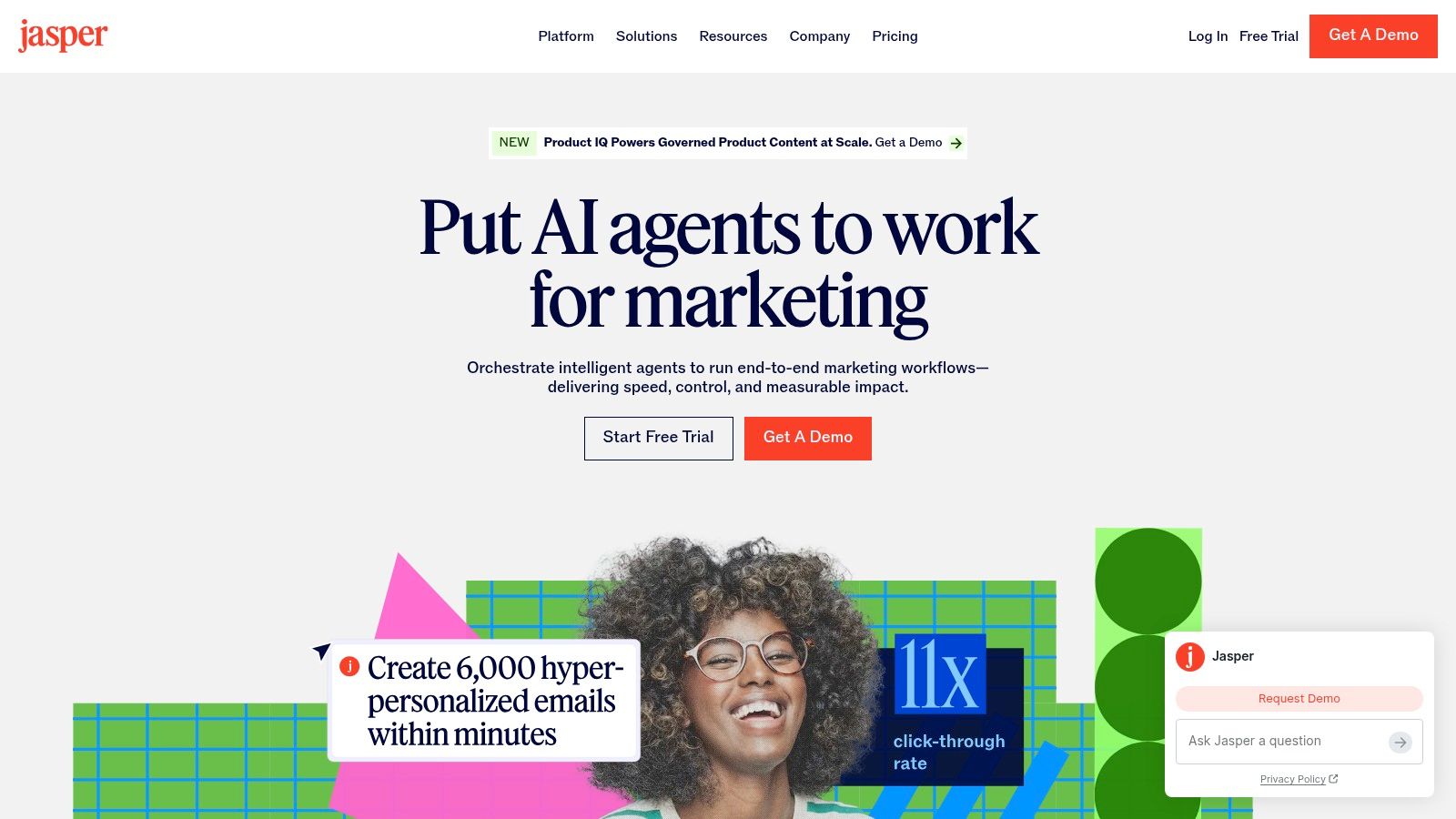
Jasper is strongest when content quality problems aren’t about writing speed. They’re about brand drift. If several marketers, freelancers, or regional teams are producing copy at once, Jasper gives you a way to centralize voice, product facts, and approval logic so every draft doesn’t start from scratch.
That makes it a better fit for brand-led teams than for a single operator just looking for cheap copy. Its value increases when review cycles are expensive.
Best use case
Jasper’s Brand Voice and Jasper IQ features are useful when your team already has source material worth codifying. Messaging docs, product positioning, style rules, approved terminology, and visual standards can all become part of the generation layer instead of sitting in a forgotten folder.
Its campaign workflow is also broader than a plain AI writer. Brief in, channel-specific assets out, including blog drafts, social posts, ads, emails, and imagery. Teams exploring an AI agent for marketing workflows will recognize the appeal here. The system isn’t just drafting. It’s trying to preserve shared context while output moves across channels.
Where it earns its place
Jasper works best when content production is distributed across many hands. Approval rules and style-violation flags help reduce revision churn, which is often the hidden cost in AI content programs. A lot of teams don’t have a generation problem. They have a consistency problem.
Governance matters more than most tool demos admit. If no one agrees on source truth for claims, offers, or voice, the tool just helps you produce mistakes faster.
The visual editing and social calendar pieces also make Jasper more useful for campaign teams that want one working environment instead of separate drafting and packaging steps.
Limits to expect
Jasper underdelivers if you haven’t done the hard setup first. If brand assets are scattered, outdated, or politically disputed across departments, the platform can’t solve that for you. It will reflect the mess you feed it.
It also asks for onboarding effort from non-writers. Content strategists and brand teams usually adapt quickly. Demand gen managers and paid buyers may not get full value unless someone actively operationalizes the system for them.
3. Copy.ai
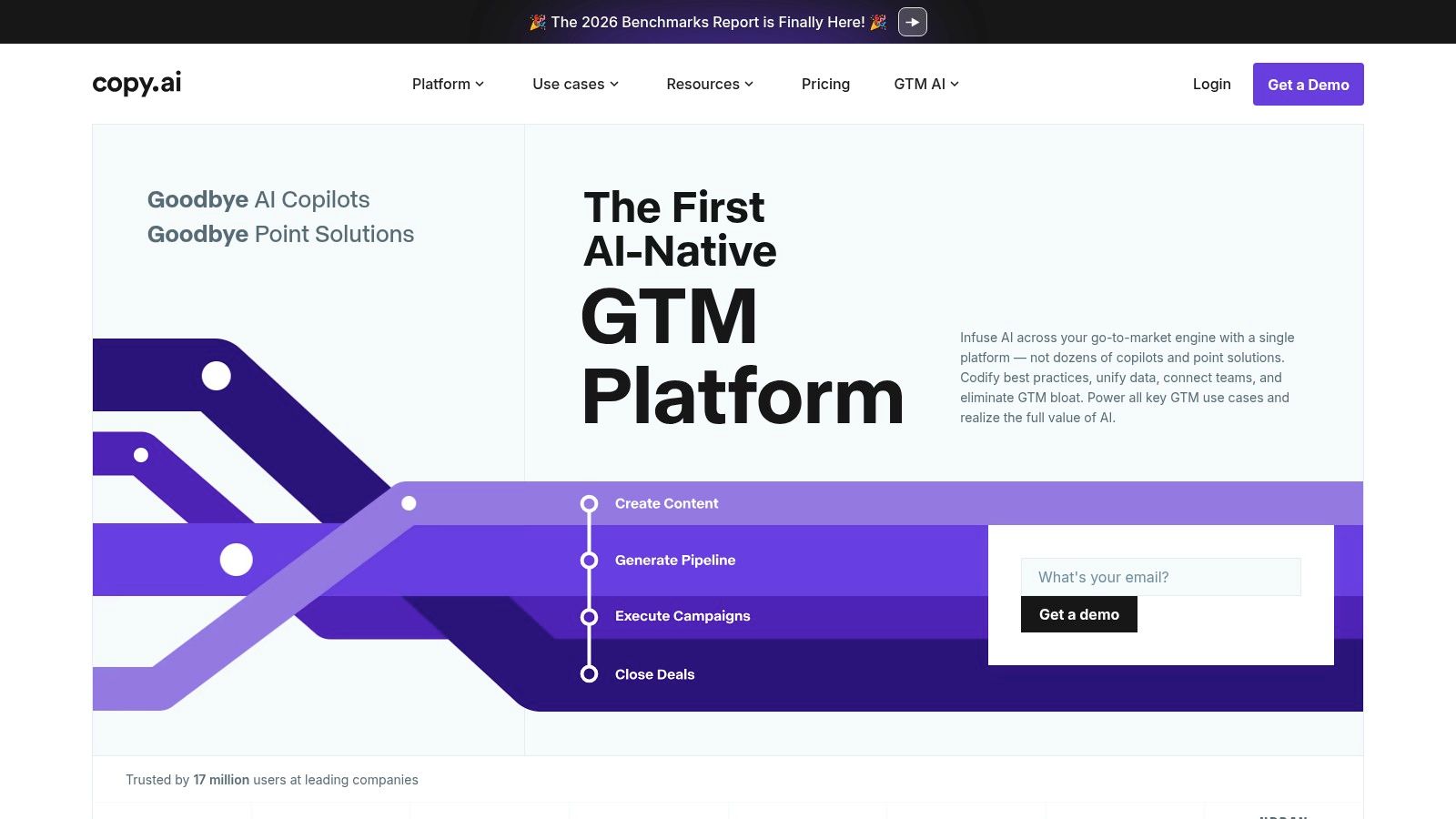
Copy.ai has outgrown the “AI writer” label. Its better use case is go-to-market workflow automation, especially when marketing and sales steps overlap and content is only one part of the process. If you need research, drafting, personalization, and handoff in the same system, it’s more interesting than a standalone copy generator.
That makes it appealing for B2B teams where one campaign touches outbound, lifecycle, and content operations at once.
Why some teams prefer it
Copy.ai’s Workflow Builder is the core product decision. Rather than prompt for one deliverable at a time, you can set up multi-step flows that move from research to draft creation to personalization to distribution. That’s often a better fit for revenue teams than buying one writing app for marketing and a separate sequencing tool for sales.
A second advantage is model flexibility. Teams that don’t want to commit to one provider can work across multiple models, which helps when different tasks need different behavior. The packaging is also relatively approachable, with a chat layer for lighter use and more workflow depth as you move up.
Practical fit
This tool makes the most sense in organizations that already think in process terms. If your team says, “We need a launch workflow” or “We need a repeatable outbound content path,” Copy.ai lines up well. If your team just wants better social captions, it’s overbuilt.
Here’s where it tends to fit best:
- Cross-functional teams: Marketing and sales can share one workflow instead of duplicating research and messaging work.
- Operators who like systems: People building repeatable motion usually get more from it than pure creatives.
- Growing teams: It can start small, then become more useful as handoffs multiply.
Where it can frustrate people
The workflow value doesn’t fully show up at the shallow end. Smaller teams often start in chat mode, then hit a ceiling fast once they want automation across several steps. Credit accounting can also create more procurement discussion than some self-serve tools, especially if the company prefers simple fixed-cost SaaS.
I’d choose Copy.ai when workflow design matters more than best-in-class long-form content quality.
4. Writesonic
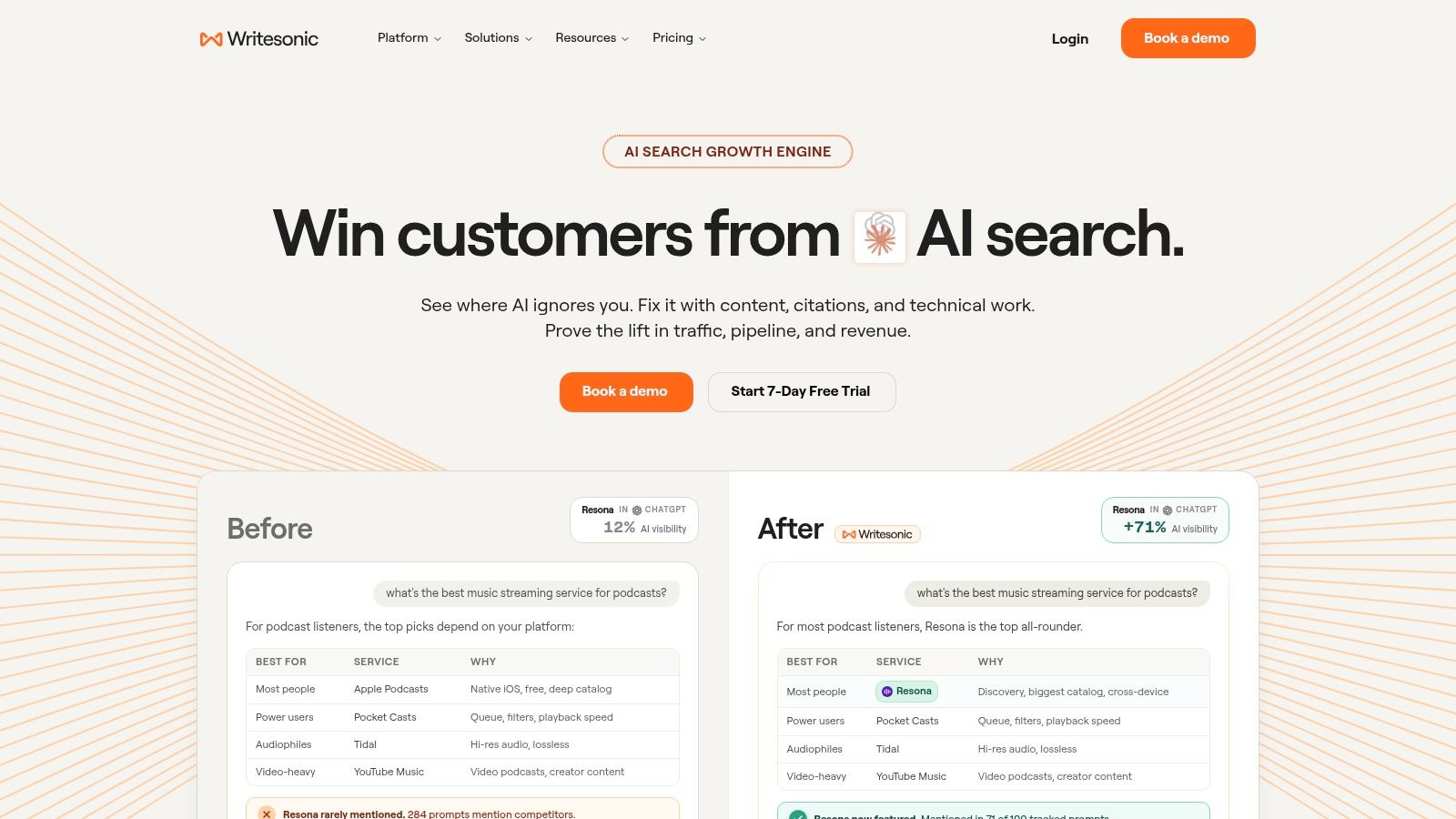
Writesonic is for teams that want SEO production to look more like a publishing pipeline than a blank page. Its long-form system is built around research, article structure, citations, internal linking, and brand voice controls, which makes it a better fit for organic content operations than for quick ad copy.
If your content team keeps asking for “something closer to ready-to-publish,” this is one of the clearer options.
What it does well
The Article Writer and Content Agent approach is useful because it starts from search results and competitive context instead of from a generic prompt. That changes the role of the marketer. You’re editing and directing a process, not coaxing a chatbot into structure one prompt at a time.
It also puts some quality control into the workflow. Citation handling, internal links, schema support, and voice enforcement can save a lot of repetitive cleanup, especially for agencies writing across multiple clients.
Good fit for agency-style publishing
Writesonic tends to work well in three situations:
- SEO teams publishing at volume: It reduces the manual assembly work around article creation.
- Agencies managing several voices: Brand and author profiles help prevent every article from sounding interchangeable.
- Teams under editorial pressure: It can get content closer to handoff quality before an editor touches it.
The “voice critic” style pass is especially practical. One of the most common failure modes with AI content is not factual error. It’s tone that sounds flattened, padded, or suspiciously polished in the same way every time.
A good SEO article tool should reduce editor fatigue, not move it downstream.
Where you still need humans
Long-form content still needs human review. Brand nuance, legal sensitivity, original examples, and claims discipline all require a person who understands the topic. Teams that skip that step usually discover the problem after publication, when the article sounds technically complete but strategically empty.
Plan access also matters. Some advanced capabilities may vary by tier, so it’s worth checking the exact feature set before standardizing on it.
5. Surfer
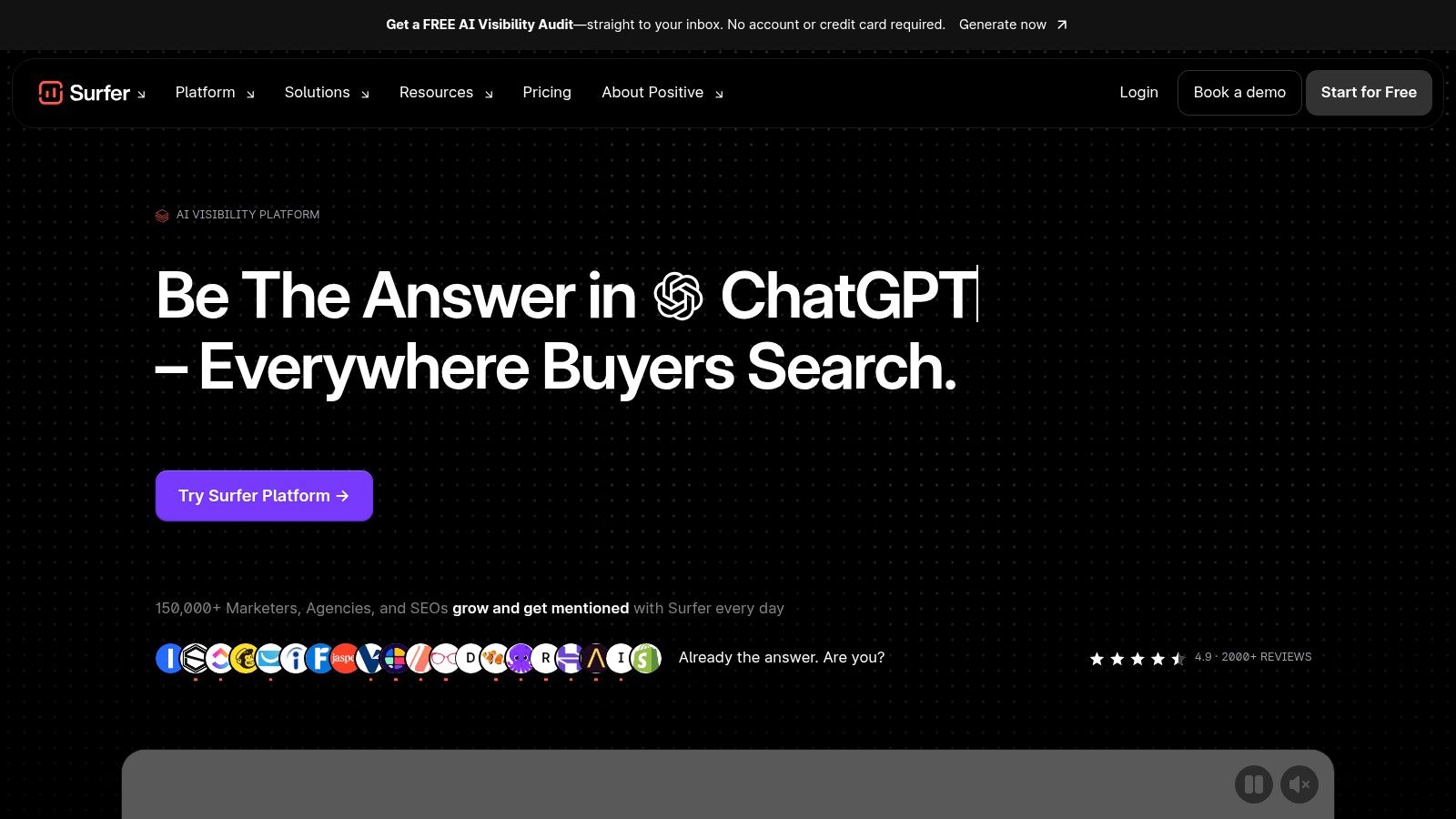
A common handoff problem looks like this: the SEO lead has the target query, the writer has a blank page, and nobody wants another round of “optimize this more” comments after the draft is done. Surfer earns its place by tightening that middle part of the workflow. It gives the writer a clearer brief, a live optimization environment, and a shared reference point for revisions.
That makes it more useful for execution-stage SEO than for strategy-stage SEO.
Surfer fits teams that already know which topics they want to pursue but need a repeatable way to get articles into publishable shape. Smaller in-house teams usually get value from the structure alone. Agencies and multi-writer teams get value from reducing subjective back-and-forth, because the editor, strategist, and writer can work from the same optimization target instead of debating basics in comments.
The practical appeal is simple. Surfer helps with three jobs that often break under light process:
- turning keyword intent into a usable content brief
- guiding draft development without forcing writers into a separate, unfamiliar system
- updating existing pages before rankings slide too far
Its Google Docs and WordPress integrations matter more than the AI layer for some teams. If writers refuse to leave their normal drafting environment, adoption falls apart fast. Surfer usually avoids that problem.
Where it starts to strain is on mature content programs with stronger editorial standards or more complex governance. An optimization score can help a junior writer cover expected subtopics, but it cannot judge whether the article says anything original, whether the examples are credible, or whether the page deserves to rank in the first place. Teams with subject-matter-heavy content will feel that ceiling early.
I also would not use Surfer as the system that decides what to publish next. It is better at shaping execution than setting direction. Pair it with a stronger planning layer if your bottleneck is content prioritization, not on-page optimization. In a stack that includes AdCrunch, that division becomes cleaner. Surfer can help the team tighten organic content inputs, while AdCrunch handles controlled activation and testing once the content or offer is ready to enter paid workflows.
Watch the pricing model and document limits before rolling it out across a larger team. A solo marketer can work comfortably inside those constraints. A busy content operation with several writers, refresh cycles, and ongoing experiments needs to check whether usage caps will create friction by month two, not week one.
6. Semrush ContentShake AI
A common handoff problem looks like this: the SEO lead has the keyword target, the writer has a draft brief, and neither wants another tool that turns one article into five separate steps. Semrush ContentShake AI makes sense when the team wants planning and first-draft execution to stay close together.
That benefit is strongest in Semrush-heavy teams. If keyword research, competitor reviews, and topic selection already happen there, ContentShake reduces copy-paste work and cuts down on interpretation errors between SEO and content production. A small team with one marketer and a freelance writer can move faster with that setup. A larger editorial operation gets a different benefit: clearer inputs at the top of the workflow.
The question is not whether it can write. Many tools can. The question is whether it helps the team complete the specific marketing job in front of them, which here is turning search demand into publishable content without adding another planning layer.
ContentShake fits that job well in three situations:
- You already pay for Semrush and want writers working from the same search context as the strategist.
- Your content program is still building process discipline and needs a tighter path from topic choice to article draft.
- You need lightweight SEO production support, but do not want to assemble a stack of separate briefing, writing, and optimization tools.
Where I would be careful is overlap. Teams that already run a mature workflow with a dedicated optimizer, editorial review process, and firm brand governance may find ContentShake too narrow or too repetitive. It can speed up draft creation, but it does not replace editorial judgment, content differentiation, or approval controls. If legal review, subject-matter validation, and brand consistency are active constraints, this tool helps at the front of the process, not across the whole system.
That also affects scale. For a lean in-house team, the convenience is real. For a multi-writer content engine publishing across regions, products, or compliance categories, convenience matters less than governance and orchestration. In that environment, ContentShake is better treated as a drafting aid inside a broader operating model.
It also pairs differently depending on the rest of the stack. If Semrush is your command center for organic planning, ContentShake can cover the brief-to-draft gap. If the next job is controlled launch, paid activation, or offer testing, another system still needs to take over. In a stack that includes AdCrunch, that separation is useful. Semrush ContentShake informs what gets created for search. AdCrunch handles controlled execution once those assets move into live campaigns and testing workflows.
I’d put it on the shortlist for SEO-first teams that want fewer handoffs, not for teams looking for a full content operating system.
7. Anyword
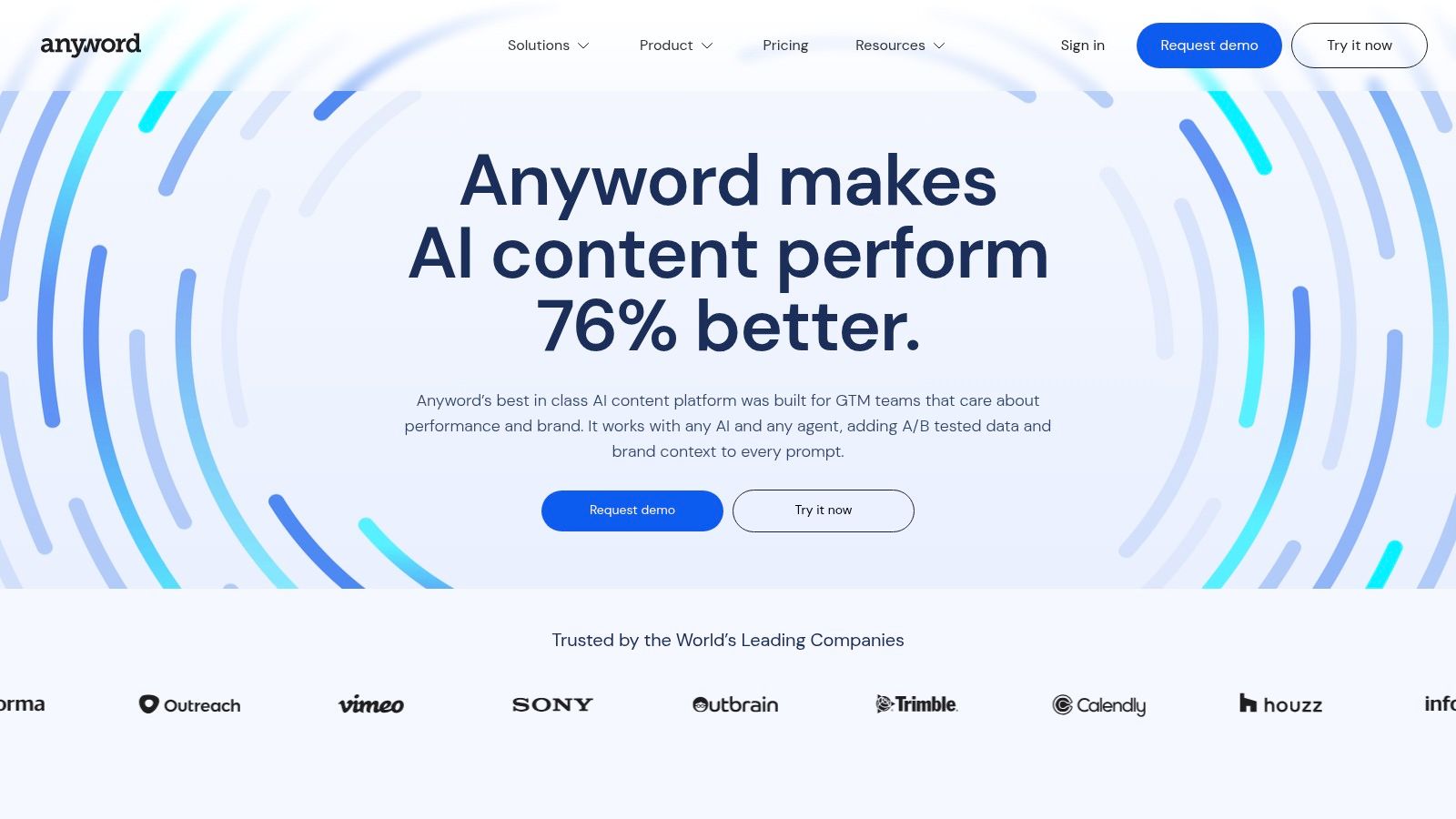
A familiar paid-media problem looks like this: the team has six headline options, three offer angles, and no clear way to decide which copy should get spend first. Anyword is built for that job.
It fits teams that produce a high volume of short-form creative and need a scoring layer between ideation and launch. The value is less about writing from scratch and more about reducing low-confidence choices before they hit Meta, Google, email, or product pages.
I would place it with growth marketers, performance creative teams, and in-house demand gen groups that already have baseline messaging discipline. If the bottleneck is “we need more words,” other tools are a better fit. If the bottleneck is “we have too many variants and weak selection logic,” Anyword becomes more useful.
Its best use tends to cluster around a few workflows:
- paid social headline and primary text testing
- promotional email subject lines and body variants
- product messaging iterations for landing pages
- offer framing across campaigns where small copy changes affect conversion rate
The scoring system is the reason to buy it, so setup quality matters. Teams get more out of Anyword when they connect historical channel data and define scoring around their own outcomes, rather than treating the default outputs as final judgment. Without that step, the platform still helps with prioritization, but the scores are more directional than predictive in your specific account.
That trade-off matters by team size. A small startup with limited history can use Anyword as a structured copy review assistant. A larger performance team with mature account data can use it as a pre-launch filter that cuts weak variants before creative review and trafficking. Those are different use cases, and expectations should match.
One useful detail is that Anyword extends beyond plain text generation. The image scoring and analytics components make it more relevant for paid acquisition teams, where copy and creative usually rise or fall together. That gives it more operational value than a standalone AI writer, especially if one team owns both messaging and ad execution.
Limits show up fast outside that lane. It is not a strong choice for long-form editorial production, deep SEO workflows, or heavy brand governance across many reviewers and regions. It can support those environments at the variant-testing layer, but it does not replace content ops, legal review, or campaign orchestration.
In a broader stack, Anyword works best after strategy and before activation. It helps rank message options. If your next requirement is controlled launch, budget pacing, approval logic, or channel execution, another platform still needs to take over. In teams using AdCrunch, that division is clean. Anyword can inform which copy angles deserve testing. AdCrunch handles execution once those choices move into live campaigns.
I would shortlist it for performance teams with enough testing volume to benefit from better copy selection discipline. I would skip it for editorial-led teams or small businesses that are still trying to define their core message.
8. Unbounce
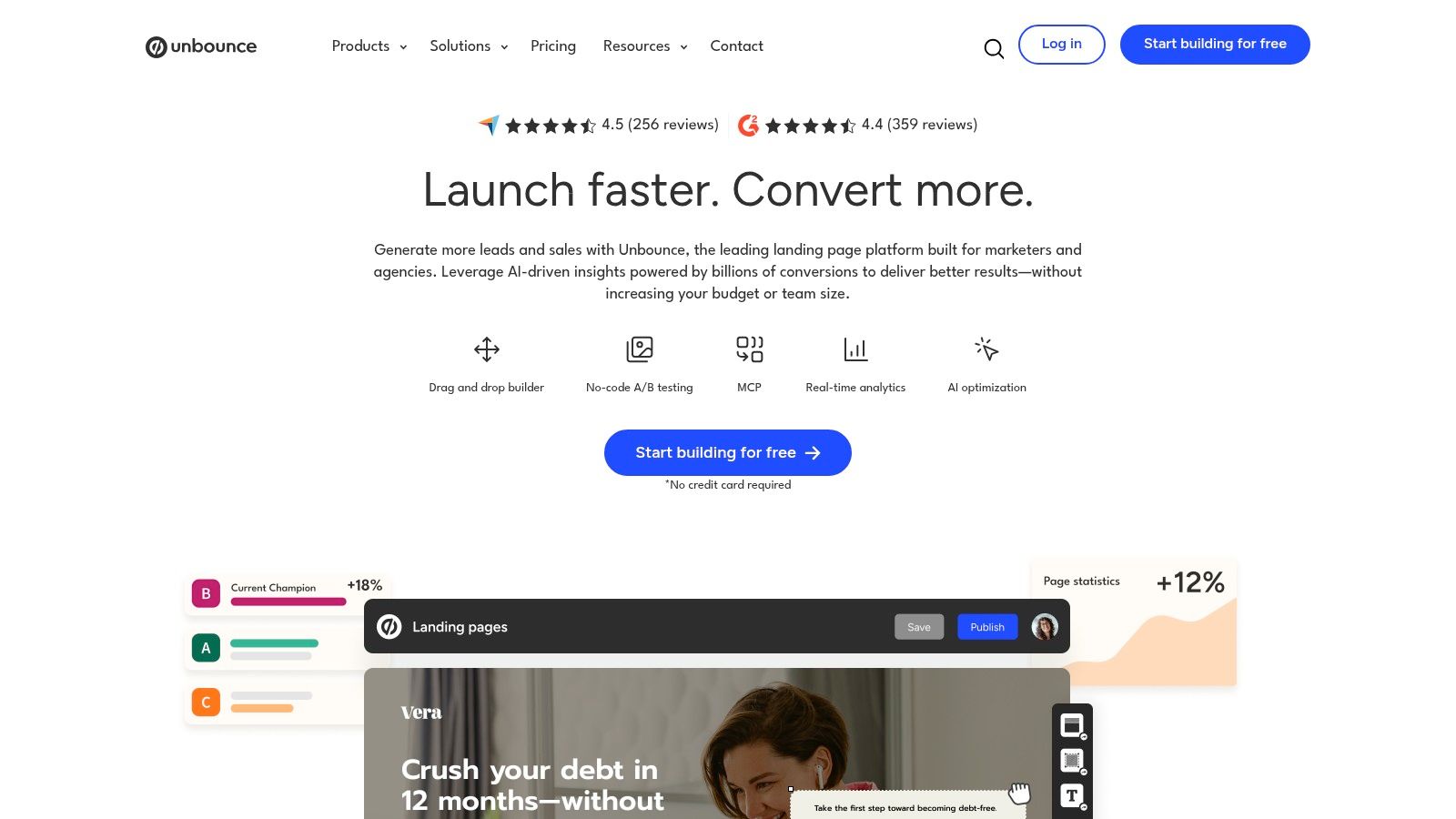
A common failure point in paid acquisition is simple: the ads improve faster than the post-click experience. Campaigns go live, CTR looks healthy, and then the landing page lags because every new offer, audience segment, or message test needs design or developer time. Unbounce is useful in that gap.
Its value is less about AI writing and more about operational control at the conversion layer. Teams can build and publish pages, create materially different variants, and use Smart Traffic to route visitors toward pages that fit better, without waiting for a longer product sprint. For small demand gen teams and in-house paid media managers, that changes how often tests ship.
The fit depends on traffic volume, workflow discipline, and who owns landing pages.
If one person runs paid search, paid social, and CRO for a smaller company, Unbounce can replace a messy stack of page builder, form tool, and manual test setup. If a growth team already has dedicated engineers, analytics support, and a mature experimentation program, Unbounce becomes more of a speed layer for campaign pages than a full optimization system. It helps those teams launch faster, but it does not replace deeper product experimentation or data infrastructure.
Smart Traffic is the part to examine closely. Classic A/B tests are still useful when a team needs a clean read on a specific hypothesis. Smart routing is better when the bottleneck is getting visitors to better-matched experiences sooner, especially across multiple audience or offer variations. That trade-off matters. You gain speed and adaptive routing, but you may give up some of the simplicity that a strict head-to-head test provides for reporting.
The upside is practical. More pages get built. More variants go live. Paid teams can match ad promise to page structure with less coordination overhead.
The limits are practical too. Weak positioning stays weak on Unbounce just as it does anywhere else. AI copy assistance can help draft a headline or tighten a CTA, but it will not fix an unclear offer, poor proof, or a form that asks for too much too early. Teams that treat it as a page production tool with built-in optimization usually get more from it than teams looking for strategy from the software itself.
One more operational note. Older users who relied on standalone Smart Copy need to adjust because the writing features now sit inside the broader product experience. That is not a major issue for new buyers, but it does affect migration and training if your team built a prior workflow around the separate tool.
I would put Unbounce in stacks where conversion work needs to move faster than engineering can support, especially for lean demand gen teams, agencies building campaign pages for clients, and paid teams that need tighter control after the click. In a broader stack, it sits after creative and channel planning. Tools like Jasper or Anyword can shape the message. Unbounce turns that message into a live page and starts learning from traffic. If the next requirement is governed launch across campaigns, budgets, approvals, and execution, that is where AdCrunch or another activation layer takes over.
9. Smartly.io
A paid social team is running thousands of creatives across markets, product lines, and audience segments. At that point, the job is no longer writing one more ad. The job is keeping creative production, catalog logic, approvals, budget shifts, and channel delivery aligned without adding headcount at the same rate as spend.
Smartly.io fits that operating model. It combines creative generation, feed-based versioning, campaign orchestration, and performance management in one system, which is why it tends to show up in enterprise paid media teams rather than smaller in-house groups.
The practical value is coordination. AI Studio can help produce and adapt image or video assets at volume, while the broader platform keeps those assets connected to media execution. That matters for retail, app, and global brand teams where paid performance depends on getting many variants live quickly, then updating them as offers, inventory, or audience signals change. Teams reviewing broader TikTok ads tools should treat Smartly.io as execution infrastructure, not just a creative app.
Setup is the filter.
Smartly.io starts to pay off when a team already has clear naming conventions, feed hygiene, approval paths, and channel ownership. Without that maturity, the platform can expose process gaps fast. Creative requests pile up, catalog inputs break, and reporting gets harder to trust because the operating model was never clean to begin with.
I would shortlist it in three cases. First, large brands that need paid creative and media teams working from the same system. Second, agencies supporting enterprise clients with recurring creative refresh, localization, and strict delivery timelines. Third, catalog-heavy advertisers where feed logic drives too much of the business to manage manually. If the main need is only faster asset generation, a narrower product such as ShortGenius AI ad creative tool may be easier to adopt.
There is also a stack question. Smartly.io handles production and activation at scale inside paid channels. If strategy, approvals, and controlled execution across campaigns need to sit above the tool layer, AdCrunch is the better place to govern what gets launched after the analysis is done.
The trade-off is straightforward. Smartly.io is powerful, but it asks for budget, implementation time, and experienced operators. Smaller teams usually get more value from simpler creative tools or lighter automation until volume, channel complexity, and governance needs justify a platform of this size.
10. Optmyzr
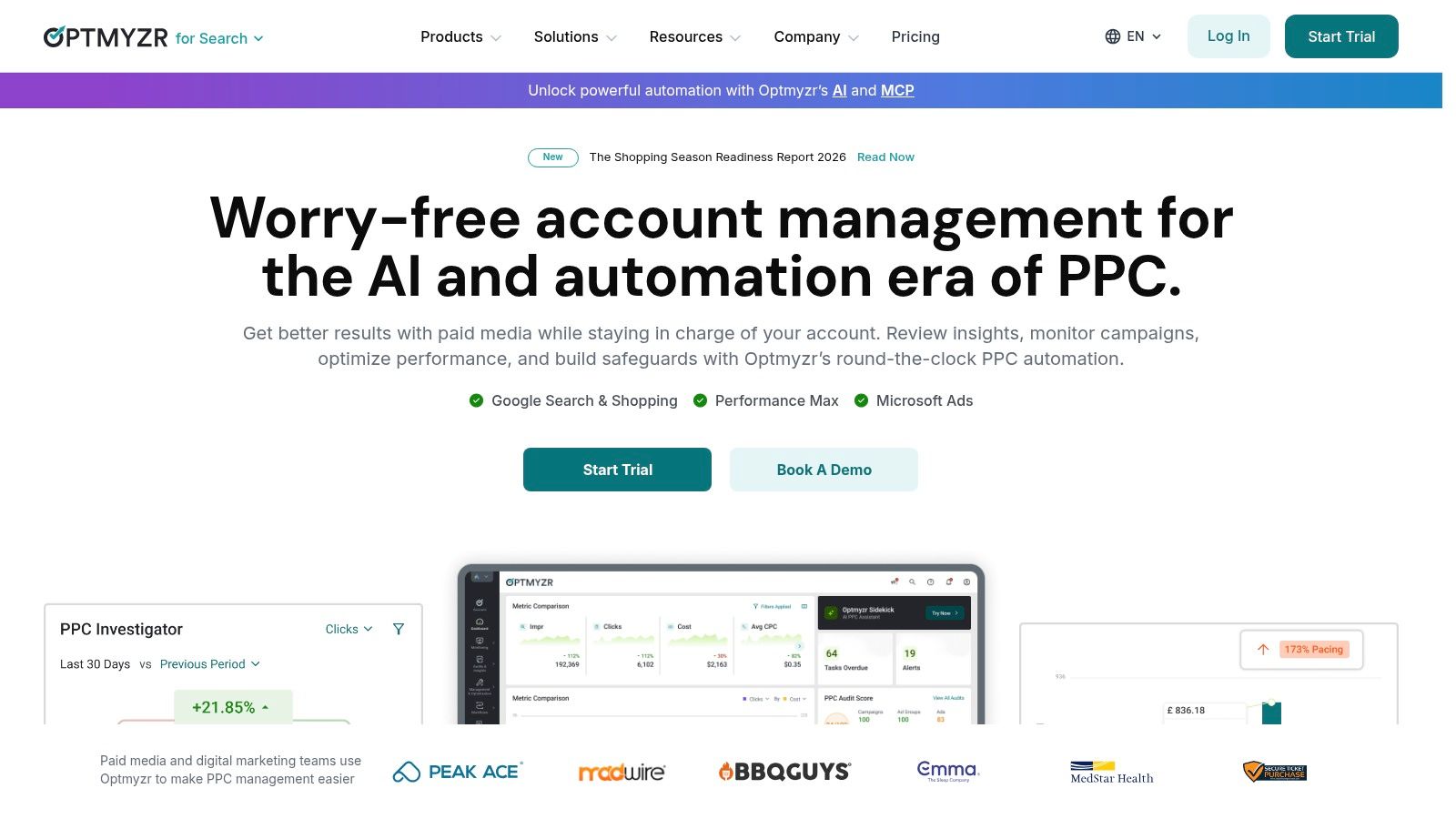
Optmyzr is for PPC teams that want more automation and control without handing everything to a black box. It has been useful for account managers who need audits, anomaly detection, reporting, rules, and feed-based automation across a portfolio of campaigns.
In plain terms, it helps experienced operators move faster.
Why agencies like it
The strongest case for Optmyzr is multi-account workload reduction. Rule engines, anomaly alerts, reporting layers, and automation workflows help account teams manage large portfolios without rebuilding the same manual checks every week. Inventory-driven campaign automation adds another layer for teams running feed-heavy programs.
For buyers reviewing the broader market of PPC automation tools, Optmyzr stands out when the priority is flexible control rather than all-in-one creative generation.
Best operational fit
It works well for teams that already know what good account management looks like. You can encode those standards into rules and monitoring systems, then spend more time on strategy and less on repetitive maintenance.
A good match often looks like this:
- Agencies with many accounts: Shared frameworks save time across the portfolio.
- Search-heavy programs: The feature depth is most natural there.
- Operators who want guardrails: The platform helps formalize review routines and alerts.
What to watch
Optmyzr still needs setup discipline. Rules, thresholds, and alerts have to reflect account reality or they become noise. Social support is also worth checking carefully if Meta or LinkedIn is central to your operation, because the product’s reputation is stronger in search-oriented workflows.
It’s a strong operator tool. It’s not a replacement for judgment.
Top 10 AI Marketing Tools Comparison
| Product | Core Capabilities ✨ | Target Audience 👥 | Value & Pricing 💰 | Strength / Rating ★ |
|---|---|---|---|---|
| AdCrunch 🏆 | AI-native ad ops; OAuth connectors (Meta/TikTok/Google); Meta write actions (creates paused); Campaign Plans; permanent Activity log | Agencies, freelance media buyers, in-house multi‑brand teams | €99/month Pro (flat, unlimited accounts & seats); Enterprise custom; 7‑day trial | ★★★★★, safety-first write control; full audit trail |
| Jasper | Brand voice & knowledge (Jasper IQ); multi‑channel asset agents; approvals & governance | Brand-led creative teams, content ops | Tiered subscription; focused on teams centralizing brand assets | ★★★★☆, strong brand governance |
| Copy.ai | Workflow builder (research→draft→personalize→distribute); multi‑model support; API | Cross‑functional marketing & sales teams | Usage/credit model with tiered plans; clear self‑serve entry | ★★★★, workflow-centric automation |
| Writesonic | Agentic long‑form SEO pipeline; SERP research, citations, schema; multi‑format exports | SEO teams, agencies needing publish‑ready content | Tiered plans; advanced features gated by plan | ★★★★, SEO‑ready long‑form with citations |
| Surfer | AI SEO briefs & on‑page optimization; templates; rank‑drop alerts; integrations | Content & SEO teams, non‑specialist writers | Subscription tiers; plan limits may apply at scale | ★★★★, prescriptive SEO signals for faster iteration |
| Semrush ContentShake AI | Drafts shaped by Semrush competitive & keyword intelligence; publish & optimize | Teams already in Semrush ecosystem | Best value when bundled with Semrush subscription | ★★★★, SEO‑first drafts using live competitive data |
| Anyword | Ad variant generator with Predictive Performance Score; custom scoring from historical data | Performance marketers & ad copy teams | Tiered pricing; value increases with connected data | ★★★★, data‑driven ad copy selection |
| Unbounce | Landing‑page builder + Smart Traffic (AI routing); built‑in AI copy assistant; A/B | Conversion marketers, SMBs, growth teams | Subscription plans; all‑in‑one creation + testing | ★★★★, fast signal for conversion testing |
| Smartly.io | Enterprise creative production, DCO, cross‑channel orchestration; AI Studio | Large brands & agencies with high creative volume | Custom, enterprise pricing (often %‑of‑spend) | ★★★★☆, scale creative testing & DCO across channels |
| Optmyzr | PPC rule engine, anomaly alerts, inventory‑based automation; cross‑platform reporting | Agencies managing many PPC accounts | Flexible pricing by spend tier; trial & migration support | ★★★★, strong automation & portfolio guardrails |
Build a Stack That Scales With the Team
The easiest mistake with AI tools for marketers is buying for capability instead of workflow. A platform demo shows drafting, summarizing, optimization, forecasting, and automation in one polished sequence, so it’s tempting to assume one purchase will cover everything. In practice, strong marketing stacks are usually built from a few tools that each own a clear job.
For small teams, the best move is usually restraint. Pick one tool that solves the bottleneck you already feel every week. That might be Jasper for on-brand content production, Writesonic or Surfer for SEO workflows, Anyword for performance copy decisions, or Unbounce for faster landing-page testing. The goal at this stage isn’t stack completeness. It’s reducing one recurring delay without creating three new review problems.
Growing teams need to think less about prompts and more about shared context. Governance starts to matter. SurveyMonkey’s 2025 roundup reported that 32% of marketing organizations had fully implemented AI while 43% were still experimenting, which tells you many teams are still somewhere between trial and operating model. The tools that age well in this phase are the ones that support brand memory, collaborative review, integration with existing systems, and repeatable workflows across several users.
Agencies and enterprise teams have a different problem. They rarely lack AI access. They lack clean execution. Epsilon’s 2026 benchmark study reported that 100% of surveyed marketers were using AI in some part of planning or execution. But universal access doesn’t mean universal control. Once you manage many clients, markets, or business units, the key questions become operational. Can the tool handle account scale, creative volume, auditability, approval logic, and pricing without punishing you for every added seat or account?
The maturity gap is still real. Alexander Group reported that 96% of marketing organizations have adopted AI, but only 41% can demonstrate ROI. That’s why implementation discipline matters more than adding another assistant. If you can’t prove where the tool fits, who approves outputs, and what action follows the recommendation, the stack gets noisier, not smarter.
A useful adoption path is to test one repeatable workflow end to end. For example, create a content brief in Surfer or ContentShake, draft in Jasper or Writesonic, publish through your CMS, drive traffic to an Unbounce page, use Anyword to refine ad messaging, and then review paid performance inside your ad operations layer. Keep human approval points explicit at the moments where risk is highest, such as brand claims, budget decisions, and campaign launches.
That’s where AdCrunch fits differently from most tools in this list. It isn’t another content generator or reporting dashboard. It’s the operational layer for teams that need to move from cross-network performance questions to controlled Meta actions with a permanent activity record. If your marketers already know how to analyze, but still lose time in the handoff from diagnosis to execution, that gap is exactly where AdCrunch adds value.
AI doesn’t remove the need for specialists. It changes where specialists spend their time. Choose the stack that shortens your real bottleneck.
If your team manages multiple ad accounts, AdCrunch gives you a practical way to connect Meta, TikTok, and Google Ads to AI workflows without losing control over execution. It’s built for the part most AI marketing stacks still leave manual, which is turning live performance analysis into safe, logged Meta actions. See how it works at AdCrunch.