
10 Ad Account Management Tools Compared
Compare 10 ad account management tools for multi-account orchestration, access control, automation, pricing, and permanent audit logging.
- ad account management tools
- ad operations
- PPC automation
- account auditing
- multi-account advertising
You’re usually not shopping for another dashboard when you start comparing ad account management tools. You’re staring at a problem that already happened, a budget drifted, a campaign wasted spend, an approver was unavailable, or a client asked why nothing changed after the issue was spotted. The question is whether a tool helps you act across accounts, control who can do what, keep a usable record of every change, and avoid a pricing model that punishes coverage as the account list grows.
That’s the frame for this comparison. Treat these platforms like operating systems for access, action, coordination, and accountability, not just reporting layers. Some tools are built to move from insight to change inside one workflow, some are built to keep large teams governed, and some are built to automate one narrow operational pain like pacing or PPC hygiene. AdCrunch stands out for teams that want an agent-led workflow with Meta write actions and a permanent activity log, while the others solve different combinations of governance, PPC optimization, creative production, pacing, or enterprise coordination.
Table of Contents
- 1. AdCrunch
- 2. Skai
- 3. Smartly.io
- 4. Sprinklr Social Advertising
- 5. Optmyzr
- 6. Adalysis
- 7. Birch
- 8. Madgicx
- 9. Marin Software
- 10. Shape
- Top 10 Ad Account Management Tools, Feature Comparison
- Choose the Control Layer Your Accounts Need
1. AdCrunch
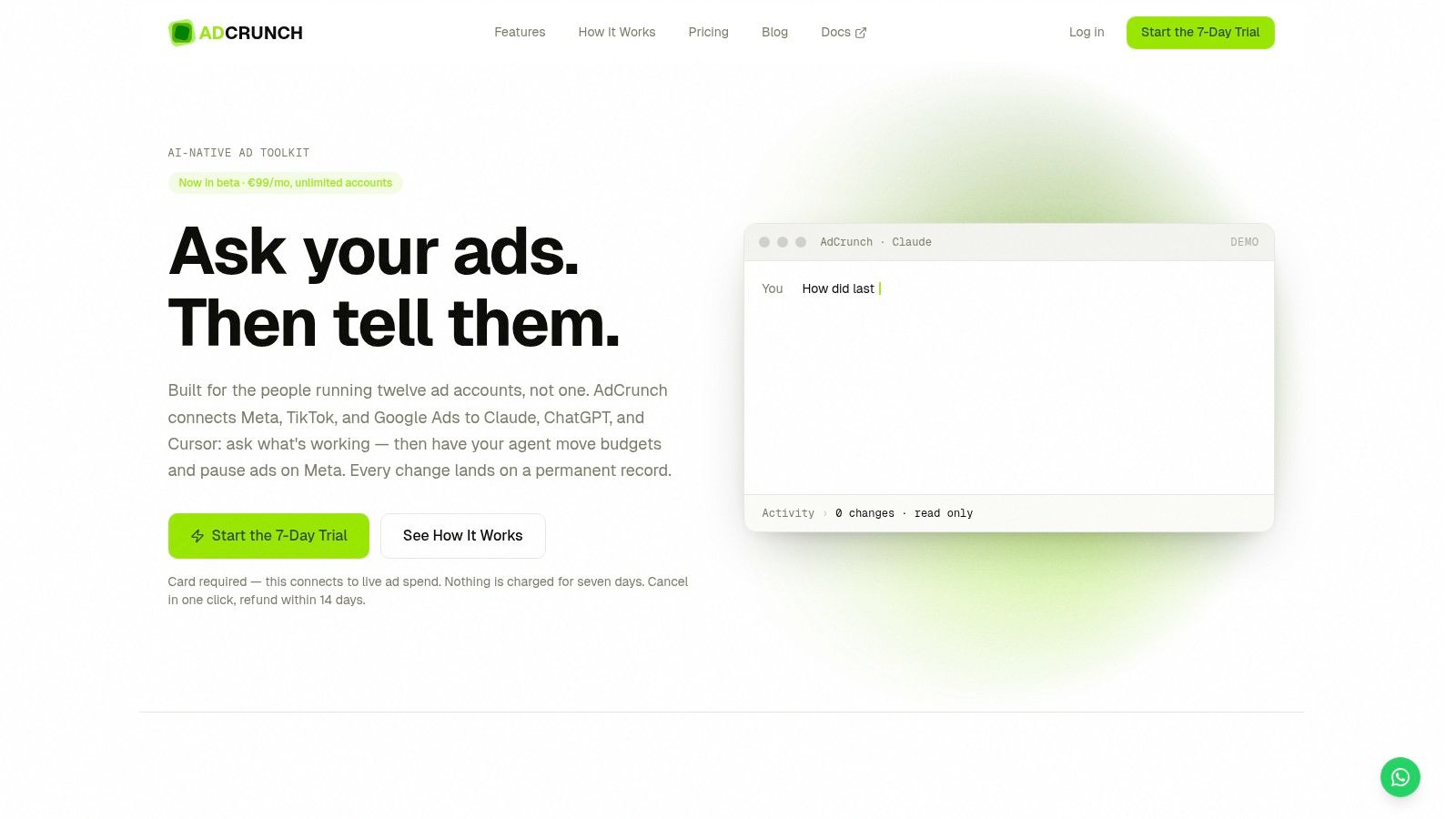
AdCrunch is for the moment when a change has to happen after the report is already stale. You connect Meta, TikTok, and Google Ads once through OAuth, then work through Claude, ChatGPT, Cursor, or the built-in Adgent while AdCrunch keeps the credentials server-side. That matters in multi-account work because the model never needs your API keys, and operators do not have to paste tokens into a prompt flow just to start.
Where it wins in daily operations
The practical value is the gap between diagnosis and action. AdCrunch supports Meta write actions for building campaigns, ad sets, creatives, and ads, plus budget changes and pause, resume, or archive actions, while reading structure and performance across TikTok and Google Ads. It also records every request, actor, and outcome on an Activity page. That permanent log makes it much easier to answer who changed what, without pulling together Slack messages and memory.
For teams that manage client accounts or several brands, auditability matters as much as speed. A tool that can act quickly across accounts, but cannot show the request trail, still leaves operators guessing after something goes wrong. AdCrunch’s log gives that trail in one place, which helps when approval chains are informal or multiple people touch the same account.
Practical rule: if a team can explain a spend change but cannot show who asked for it and how it ended, the tool is too weak for real operating work.
The product is opinionated about safety. Creations start paused, there are no hard-deletes, and it does not allow targeting edits on existing ad sets or bid edits. That narrows the blast radius of automation. The trade-off is obvious, teams that want unrestricted control will feel the limits, but many operators prefer that restraint when live accounts are involved.
Pricing and fit
AdCrunch’s €99/month Pro plan covers unlimited ad accounts and seats, which avoids the usual per-account and per-seat drag common in marketing software pricing. Enterprise adds SSO, SLA, and custom integrations. The 7-day trial requires a card with nothing charged during the trial window, plus a 14-day refund policy. For agencies, freelance buyers, multi-brand in-house teams, and e-commerce growth teams, that flat structure makes it easier to include smaller accounts instead of leaving them out because of cost.
Pros
- Immediate action from insight: budgets can move and underperforming work can be paused without handing the job back to a human queue.
- Flat org pricing: one plan can cover many accounts and seats.
- Unified multi-network workflow: one agent shape across Meta, TikTok, and Google Ads cuts context switching.
- Auditability built in: the Activity log preserves request, actor, and outcome.
- Brand control support: Skills, Brands, and Campaign Plans let teams encode playbooks and structured launches.
Cons
- Write scope is limited to Meta right now, while TikTok and Google Ads are read-only for actions.
- Safety restrictions are deliberate, so teams wanting hard-delete or bid-level control will not get them.
- Not a fit for single-account users who do not need multi-account orchestration.
- Still in beta, so teams should expect a product that is being actively shaped.
Website: AdCrunch
2. Skai
Skai fits teams that need one governed layer across paid social, search, and retail media. Its value isn’t just coverage, it’s the operational packaging around planning, activation, and measurement for organizations that already manage multiple brands, markets, and channels. If your pain is less “can I change this ad now?” and more “can I keep the whole media system coordinated?”, Skai belongs in the conversation.
The strongest case for Skai is the combination of omnichannel structure and enterprise process. The platform centralizes paid social work across major publishers, and its Celeste AI capabilities are positioned for insights and recommendations inside that larger media operating model. For large teams, that usually matters more than flashy interfaces because the friction is rarely the dashboard, it’s the approval path, budget ownership, and downstream reporting.
Enterprise tools earn their keep when they reduce rework between planning, buying, and measurement.
That said, Skai is not a lightweight adoption story. Implementation is likely to require process change, stakeholder alignment, and time from people who already have jobs to do. Its pricing is sales-led, so it’s a poor match for small spenders who just want a simple multi-account control surface.
AdCrunch’s PPC tool comparison perspective is useful here because the trade-off is the same one many teams face, a broader system usually means more governance and more setup.
Best for
- Multi-market enterprise teams that need centralized governance.
- Cross-channel operators who want planning, activation, and measurement in one place.
- Organizations with formal approval flows that can absorb implementation overhead.
Website: Skai
3. Smartly.io
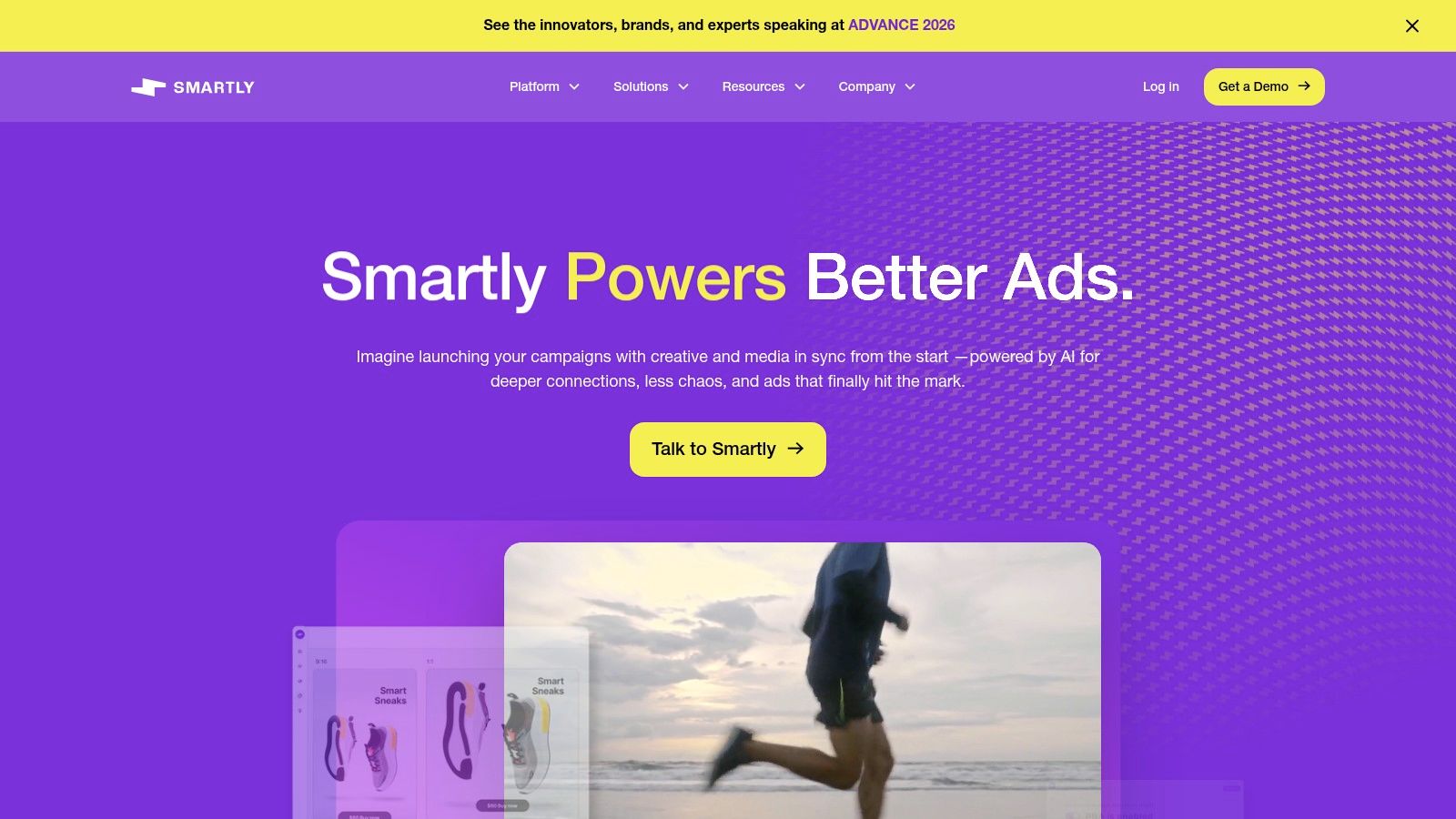
Smartly.io is the strongest fit when creative production is the bottleneck, not media theory. Brands and agencies that ship a lot of variations across paid social often need more than campaign management, they need a way to produce, update, and retire creative at scale without turning every change into manual work. Smartly.io’s core advantage is that it treats creative automation as part of the operating system, not an add-on.
The platform’s appeal comes from DCO, feed-based ad production, and workflow automation that can build, update, and archive ads from sheets or feeds. It also spans a broad social-heavy channel mix, which matters for teams running many versions across many placements. The result is less time spent on repetitive versioning and more consistency between source data and live assets.
Trade-offs that matter
Smartly.io is usually where more complex creative operations go when the manual process has already broken. That also means the setup lift can be real, especially if a team hasn’t standardized feeds, naming, or asset ownership. The price tends to feel premium, so the value shows up more clearly at higher spend or higher creative complexity than it does in small, simple accounts.
AdCrunch’s Meta automation overview lines up with this same operational truth, because creative speed only matters when the system can safely launch and update work without creating chaos.
Pros
- Creative automation at scale for feed-driven production.
- Cross-channel creative analytics that help teams compare versions.
- Workflow automation for building, updating, and archiving ads.
- Broad channel coverage for social-heavy portfolios.
Cons
- Enterprise-style pricing can feel expensive.
- Setup effort is worth it mostly when creative volume is high.
- Best value arrives with complexity, not minimal use cases.
Website: Smartly.io
4. Sprinklr Social Advertising
Sprinklr Social Advertising is the answer when paid media sits inside a much bigger social operation. If paid, organic, care, and advocacy teams all touch the same brand, the value is in having one enterprise environment where those groups can coordinate without creating their own disconnected processes. That’s especially useful in regulated environments or large organizations with many people involved in approval and oversight.
The product supports cross-channel campaign management across 10+ social networks, along with workflow automation, budget shifting, optimization rules, and enterprise governance. That combination makes it less of a pure performance buying tool and more of a control layer for organizations that need social operations to stay aligned across teams and functions.
What it does well, and where it can be too much
Sprinklr’s strength is structure. It helps large organizations keep control when multiple stakeholders need visibility or approval, and it plugs into a wider social listening and engagement stack. That makes it easier to move from conversation to campaign without switching systems for every decision.
The trade-off is obvious. If you’re running a pure performance team and mostly care about pace, bids, and quick budget moves, Sprinklr may feel bigger than the job. Sales-led pricing also means you won’t get the fast, self-serve decision path that smaller teams prefer.
Use it when
- Governance matters as much as execution.
- Multiple social teams need one coordinated environment.
- Compliance pressure is high.
- Paid and organic work have to stay aligned.
Website: Sprinklr Social Advertising
5. Optmyzr
A team can have search accounts drifting in different directions before anyone notices. Optmyzr is built for that kind of cleanup. It gives PPC operators a way to keep human judgment in the loop while still handling Google Ads, Microsoft Ads, Amazon Ads, Meta, LinkedIn, and Yahoo across a mixed portfolio. That matters when the problem is not a lack of ideas, but the time it takes to apply the same decision across accounts without losing track of exceptions.
The day-to-day value is operational. Teams use it to run audits, apply rules, manage budgets, and keep spend pacing consistent without jumping between accounts all day. For agencies and in-house teams alike, that makes it easier to spot drift, correct it, and document what changed. The platform stays closer to the operator than many automation tools, which helps when access needs to be controlled and the logic behind each action has to stay visible.
Where it fits in real workflows
Optmyzr is strongest when repeated tasks start to crowd out actual analysis. Budget pacing, spend alerts, and a flexible rule engine help teams react before small issues turn into account-wide cleanup. The pricing is also easier to assess than many enterprise tools, so smaller accounts are less likely to get ignored just because the software cost is hard to justify.
That trade-off is important. The tool is practical for audits and disciplined spend management, but it is not a creative production system, and its search and PPC depth is more useful than its broader cross-channel or TikTok coverage. Teams that need one place to manage every ad format will still run into limits.
AdCrunch’s PPC automation breakdown is useful background here, because Optmyzr makes more sense as controlled automation than as a fully hands-off system.
Pros
- Transparent pricing makes evaluation easier.
- Flexible rule engine keeps operator control intact.
- Broad PPC coverage extends beyond search.
- Audits and spend pacing work well across many accounts.
Cons
- Search and PPC depth is stronger than creative analytics.
- TikTok depth is limited compared with social-first tools.
- Not a creative production platform.
Website: Optmyzr
6. Adalysis
Adalysis is built for teams that live in Google Ads and Microsoft Ads and want the system to keep finding issues before a human notices them. It focuses on always-on audits, testing, budget tools, and actionable recommendations, which makes it a strong fit for operators who prefer concrete tasks over broad dashboards. If your job is to keep search accounts healthy, it’s a very direct tool.
The advantage of that narrowness is speed in the right places. Adalysis surfaces what needs fixing, supports root-cause analysis, and gives teams structured optimization workflows. That’s valuable when the bottleneck isn’t ideation, it’s turning a discovered problem into the next correct action.
Tools like this earn trust when they point to specific fixes, not when they bury the operator in generic alerts.
The downside is just as clear. It’s limited beyond Google and Microsoft Ads, and its data sync is daily rather than live, so it’s not the best choice when you need immediate iteration on a fast-moving account. If your workflow depends on same-day rapid changes, that lag matters.
Good fit for
- Search teams that need constant hygiene.
- Auditors and specialists who want clear issue detection.
- Operators focused on testing rather than broad-channel management.
Website: Adalysis
7. Birch
Birch, formerly Revealbot, fits teams that spend too much time re-creating the same guardrails across accounts. It supports Meta, Google, TikTok, Snapchat, and others with automated rules, Slack alerts, and reporting focused on creative and top-ad performance. The primary value is operational consistency. Teams can apply the same control logic across many accounts without rebuilding it every time.
That matters most in start, stop, and budget-shift workflows. Those are the actions that usually need fast approval and clear ownership, especially when a portfolio has many moving parts. Birch also connects with Sheets and mobile measurement partners, so teams can feed custom signals into rule-based workflows instead of relying only on platform defaults.
The trade-off is straightforward. Birch works best in a rules-first operating model, where the team wants controls, alerts, and predictable automation. It is less suited to teams that want a more autonomous build-and-launch workflow, because that is not the center of the product. Pricing also rises with spend, so coverage can get more expensive as accounts grow, even if the day-to-day workflow stays the same.
Pros
- Mature rules engine for repetitive work.
- Slack and email alerts keep teams responsive.
- Creative reporting helps identify top performers.
- Multiple platform support covers a broad ad stack.
Cons
- Spend-based pricing can climb with scale.
- Better for control than autonomous building.
- Not a full operations platform.
Website: Birch
8. Madgicx
Madgicx is Meta-first, and that is the main reason teams buy it. For accounts with heavy Meta spend, the draw is budget automation, creative intelligence, and signals that surface fatigue before performance slips. It also adds cross-channel reporting for Google, TikTok, GA4, Shopify, and Klaviyo.
In day-to-day operations, the value is how closely it tracks Meta buying work. Creative-aware workflows help when an account is spending through assets quickly and needs a fast response. For teams that spend most of their time inside Meta, that focus can matter more than a broader platform that spreads attention across too many surfaces.
The trade-off is concentration. Google management is narrower than the Meta side, so teams with a balanced channel mix may feel that gap. Pricing also deserves a close review before rollout, because the tier structure can affect whether smaller accounts stay covered without stretching the budget.
Best for
- Meta-heavy portfolios with frequent creative turnover.
- Teams watching fatigue and pacing signals closely.
- Operators who want AI-assisted workflows without giving up dashboard visibility.
Website: Madgicx
9. Marin Software
Marin Software, also known as MarinOne, is an independent cross-channel performance platform for teams that want a layer outside the walled gardens. It covers search, social, and retail, and gives agencies and in-house teams one place to manage cost and reporting across publishers without depending entirely on native bidding systems. That separation is the main reason it still matters.
In practice, Marin is most useful when the question is how fast a team can act across accounts after spend starts drifting. Unified budget management makes it easier to see what is happening across channels without jumping between native interfaces, and the agency workflows are built for multi-client operations. Access control and auditability matter here as well, since teams need a shared operating layer that does not blur who changed what.
Economics and fit
The trade-off is cost and fit. Marin pricing is often tied to spend with minimums, so teams should test the economics against the accounts they plan to run through it. Some search practitioners still prefer native bidding, which means external control is not automatically the better answer for every portfolio.
It works best where centralized reporting, spend oversight, and account governance matter more than staying inside one publisher’s tools. If smaller accounts need coverage, the pricing model can make that harder to justify, even when the workflow is useful.
Pros
- Independent control layer across publishers.
- Unified reporting and budget management.
- Agency-oriented workflows for multi-client operations.
Cons
- Pricing can scale with spend in ways that surprise teams.
- Native bidding still wins for some search practitioners.
- Fit depends on the channel mix.
Website: Marin Software
10. Shape
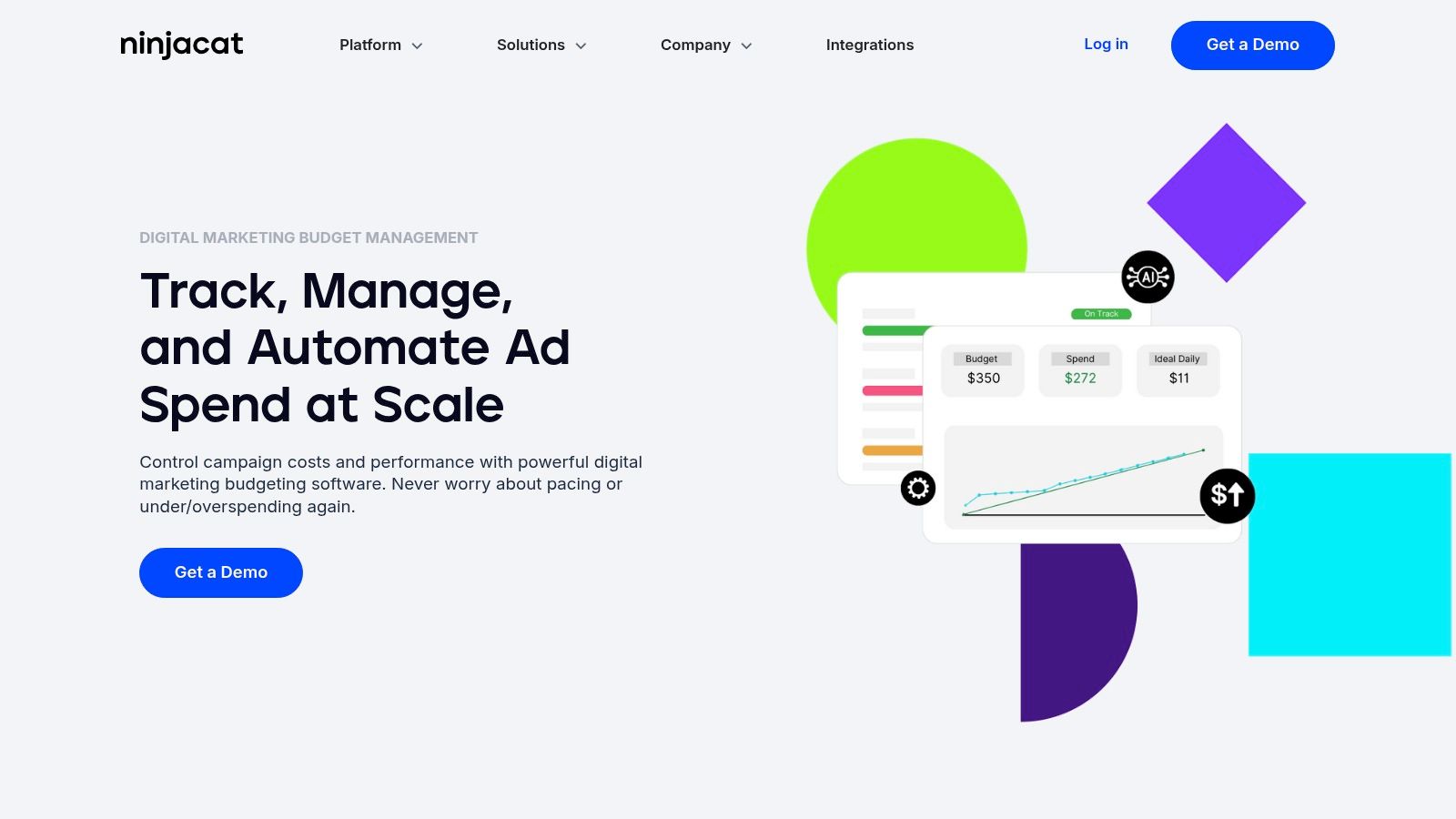
A budget is off in three accounts, and finance wants to know why before the next spend review. Shape is built for that kind of problem. It focuses on pacing and control across Google, Microsoft, Meta, LinkedIn, and other channels, so teams can react before overspend turns into a cleanup job.
Its core tools are Budget Pacer, forecasting, suggested daily spend, overspend protection, and cross-platform budget grouping. That combination helps teams keep execution aligned with finance rules, especially when account managers are watching several portfolios at once. The value is in the control loop. If pacing slips, the system can surface it early and push budgets back toward the target.
Where Shape fits operationally
Shape usually works as a specialist layer, not the whole operating stack. API and BI integrations, including Sheets, Data Studio, Looker, and BigQuery, make it easier to slot into existing reporting workflows without rebuilding dashboards from scratch. That also means implementation stays focused, since the tool is aimed at budget control rather than creative production or broader account operations.
The trade-off is narrow scope. Teams that need campaign QA, creative review, or deeper workflow management will still need other systems around it. Pricing tiers that scale with tracked spend can also make coverage harder to justify for smaller accounts, even when the pacing controls would help. Shape makes the most sense when the day-to-day question is simple, who can hold spend inside guardrails across multiple accounts without adding another manual check.
Pros
- Purpose-built for pacing and finance control.
- Cross-platform budget grouping supports multi-network oversight.
- Integrations fit into existing reporting stacks.
- Automation helps enforce budget discipline.
Cons
- Not a full operations layer.
- Pricing tiers scale with tracked spend.
- Smaller accounts can be harder to cover.
Website: Shape
Top 10 Ad Account Management Tools, Feature Comparison
| Product | Core features ✨ | UX / Quality ★ | Value / Price 💰 | Target audience 👥 | Unique selling points 🏆 |
|---|---|---|---|---|---|
| AdCrunch 🏆 | Meta write + Meta/TikTok/Google read; OAuth + LLM connectors; Campaign Plans & Activity log | ★★★★☆ Safety-first UX; permanent audit trail | 💰 €99/mo Pro, unlimited accounts & seats; Enterprise available | 👥 Agencies, multi-account teams, e‑commerce growth | ✨ Agent-driven actions; paused-by-default creations; flat org pricing |
| Skai (Kenshoo) | Omnichannel planning, activation & Celeste AI insights | ★★★★☆ Mature governance & workflows | 💰 Sales‑led enterprise pricing | 👥 Large multi‑market / multi‑brand teams | ✨ Cross‑publisher coverage & strong approval flows |
| Smartly.io | DCO, creative automation & feed-based ad production | ★★★★☆ Creative-first; scalable versioning | 💰 Enterprise / premium pricing | 👥 Brands & agencies prioritizing creative Ops | ✨ Dynamic creative at scale; predictive creative scoring |
| Sprinklr Social Advertising | Cross‑channel social ads, workflow automation & governance | ★★★★☆ Enterprise governance; integrated social suite | 💰 Custom/contracted enterprise | 👥 Regulated / multi‑stakeholder orgs | ✨ Unified paid + organic + care workflows |
| Optmyzr | Cross‑platform PPC tools, rule engine & budget pacing | ★★★★☆ Transparent tools; flexible automations | 💰 Published pricing tiers (clear plans) | 👥 PPC agencies & search teams | ✨ Flexible rule engine; non‑black‑box automations |
| Adalysis | Always‑on PPC audits, ad testing & actionable fixes | ★★★☆☆ Purpose‑built for PPC hygiene; daily sync | 💰 Mid‑range subscription (search‑focused) | 👥 Search teams needing granular audits | ✨ Fix‑now tasks and structured optimization workflows |
| Birch (Revealbot) | Rule-based automation, alerts & cross‑platform reporting | ★★★★☆ Mature rules engine; fast alerts | 💰 Spend‑based pricing (scales with media) | 👥 Agencies automating start/stop & budget rules | ✨ Slack/Sheets integrations for custom signals |
| Madgicx | Meta-first automation, creative intelligence & cross‑channel reporting | ★★★★☆ Strong Meta workflows; creative signals | 💰 Tiered pricing; review tiers for surprises | 👥 Meta-heavy advertisers & SMBs scaling creative | ✨ Creative fatigue detection & MCP agent integrations |
| Marin Software (MarinOne) | Cross‑channel management, independent bidding & agency features | ★★★☆☆ Unified reporting; agency‑oriented UX | 💰 Often %‑of‑spend pricing with minimums | 👥 Agencies & teams needing independent bidding | ✨ Independent bidding + unified budget management |
| Shape (PPC Budget Platform) | Budget pacer, forecasts & overspend protection | ★★★★☆ Finance/pacing focused UX | 💰 Pricing scales with tracked spend | 👥 Finance/ops teams and large account pools | ✨ CruiseControl automation to enforce pacing |
Choose the Control Layer Your Accounts Need
The best choice depends on the operational question you’re trying to answer after the problem appears. If your team needs one agent-shaped workflow across Meta, TikTok, and Google Ads, plus Meta write actions, paused-by-default creation, OAuth-based access, a permanent activity log, and flat pricing for many accounts, AdCrunch is the clearest fit. It is built for the messy reality of multi-account work, where speed matters, but so does knowing exactly what happened and who asked for it.
Choose Skai or Sprinklr if the bigger problem is governance, approvals, and coordination across many stakeholders. Pick Smartly.io if creative production at scale is the bottleneck. Reach for Optmyzr or Adalysis when the team needs PPC audits, testing, and structured fixes more than broad omnichannel control. Birch and Madgicx fit rule-driven automation, especially when teams want alerts and repeated actions without building a custom process. Marin and Shape make sense when the critical issue is cross-channel budget control and pacing discipline.
Before you commit, map account ownership, define access roles, test read and write scopes, document prohibited actions, establish approval rules, verify exactly what each tool records, and calculate pricing at both the account and spend levels your team is likely to reach. The cheapest tool on day one can become the most expensive one if it forces you to under-instrument smaller accounts or leaves you without a reliable audit trail when something breaks.
If you’re managing multiple ad accounts and want a workflow that moves from diagnosis to action without losing control, take a close look at AdCrunch. It’s built for teams that need fast changes, clear permissions, and a permanent record of every action. If that’s the operating model you want, visit AdCrunch and see how it handles multi-account ad operations in practice.